I’ve designed and created several CMS websites and more recently I’ve created two original prototype apps to solve problems and utilise emerging media.

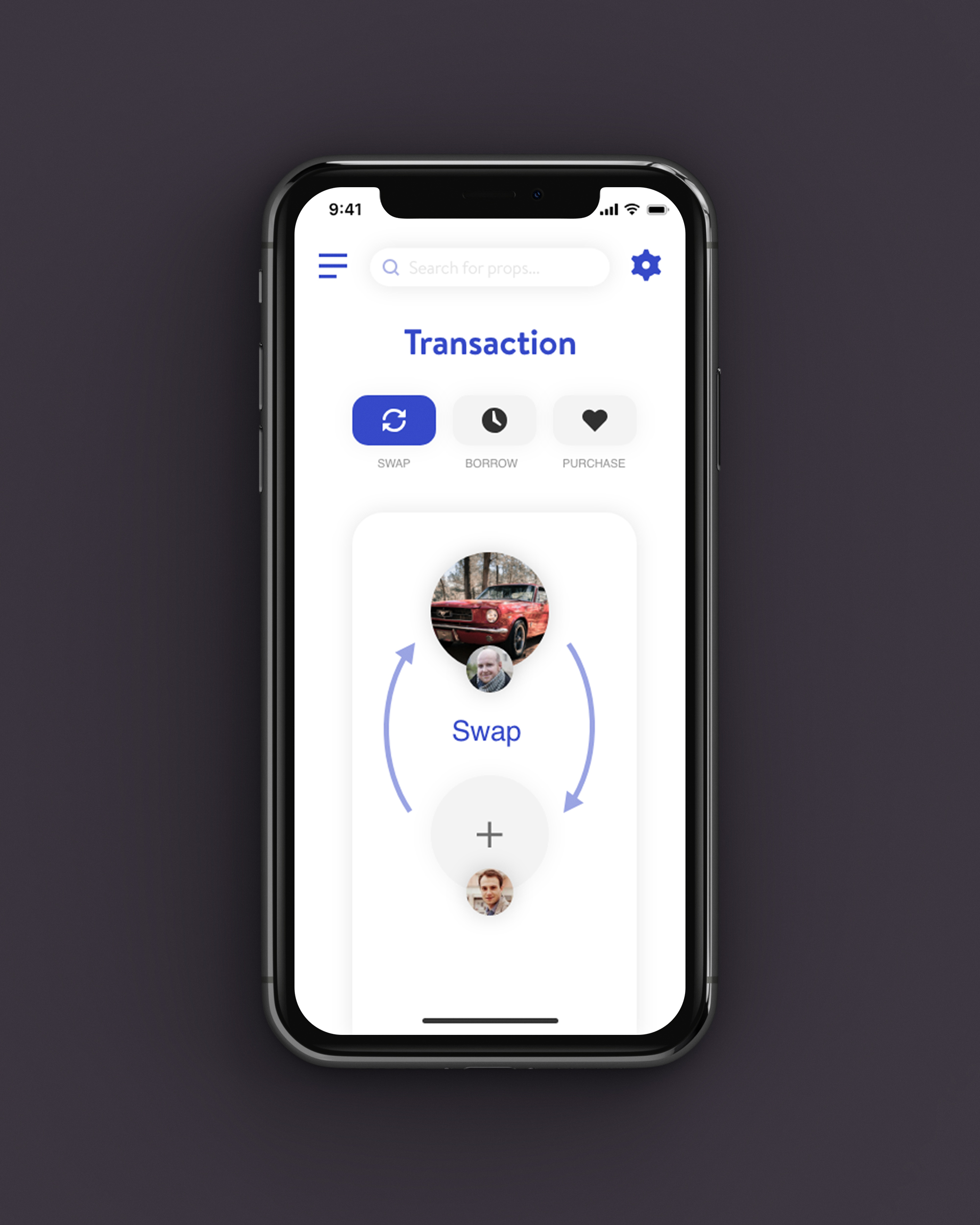
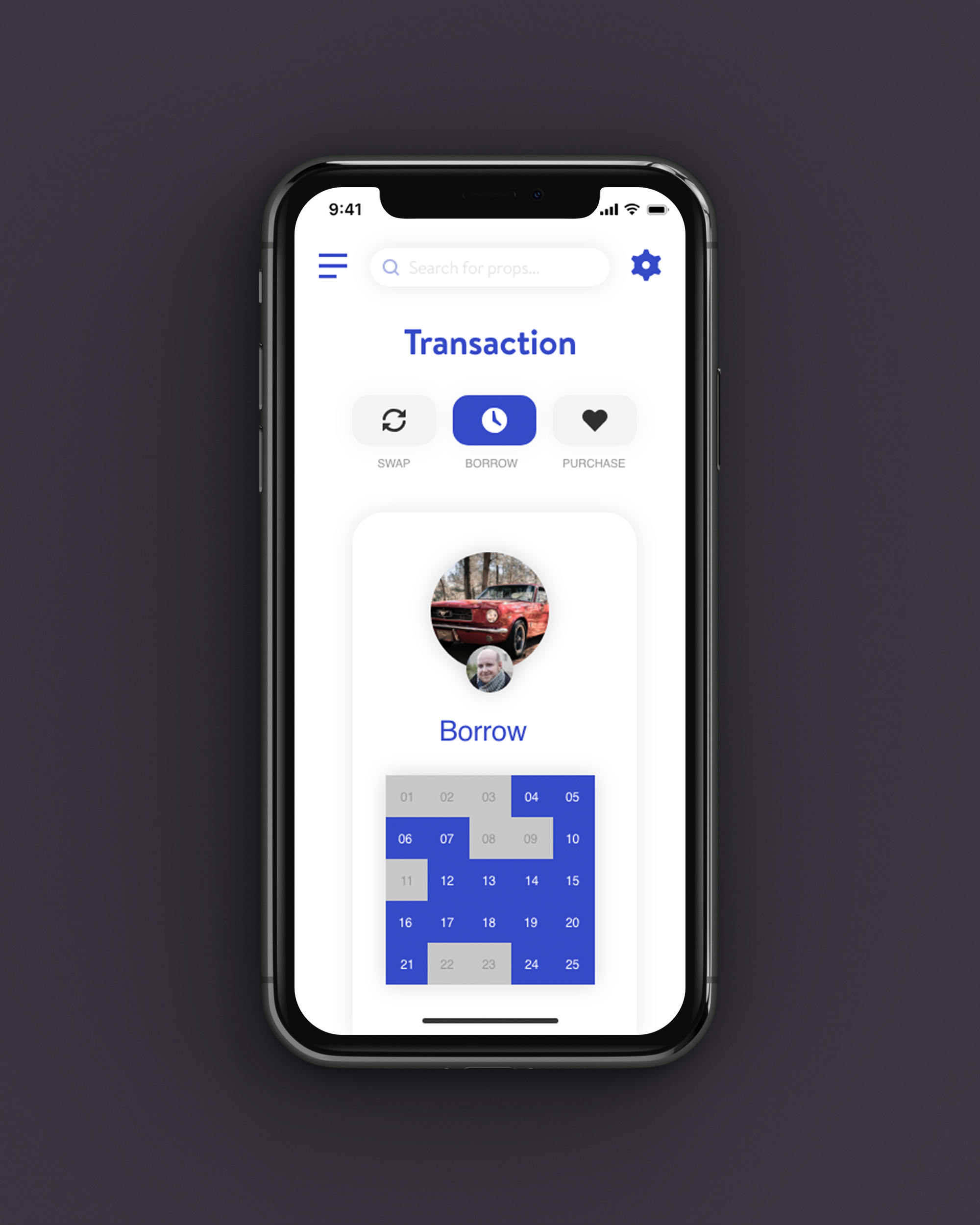
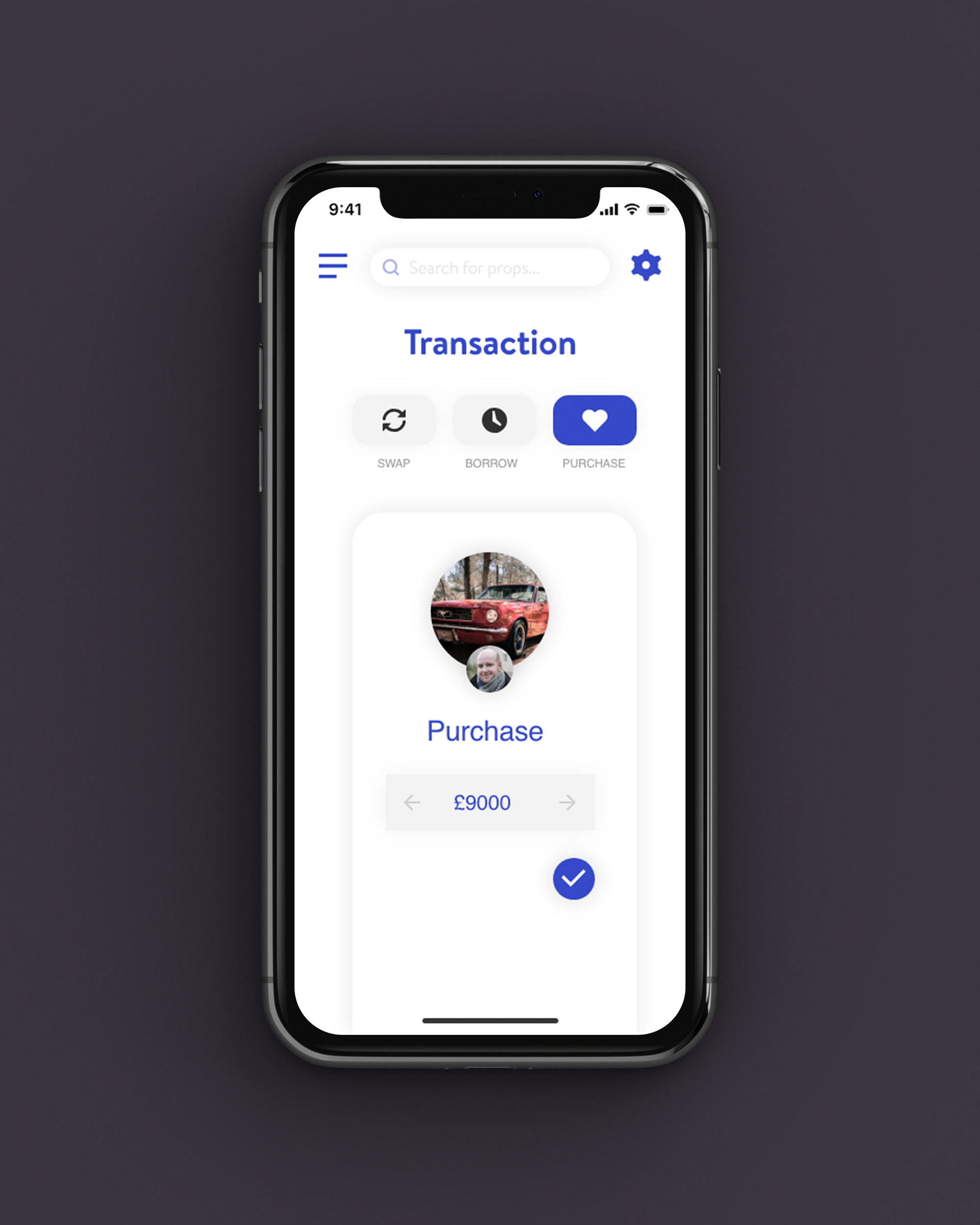
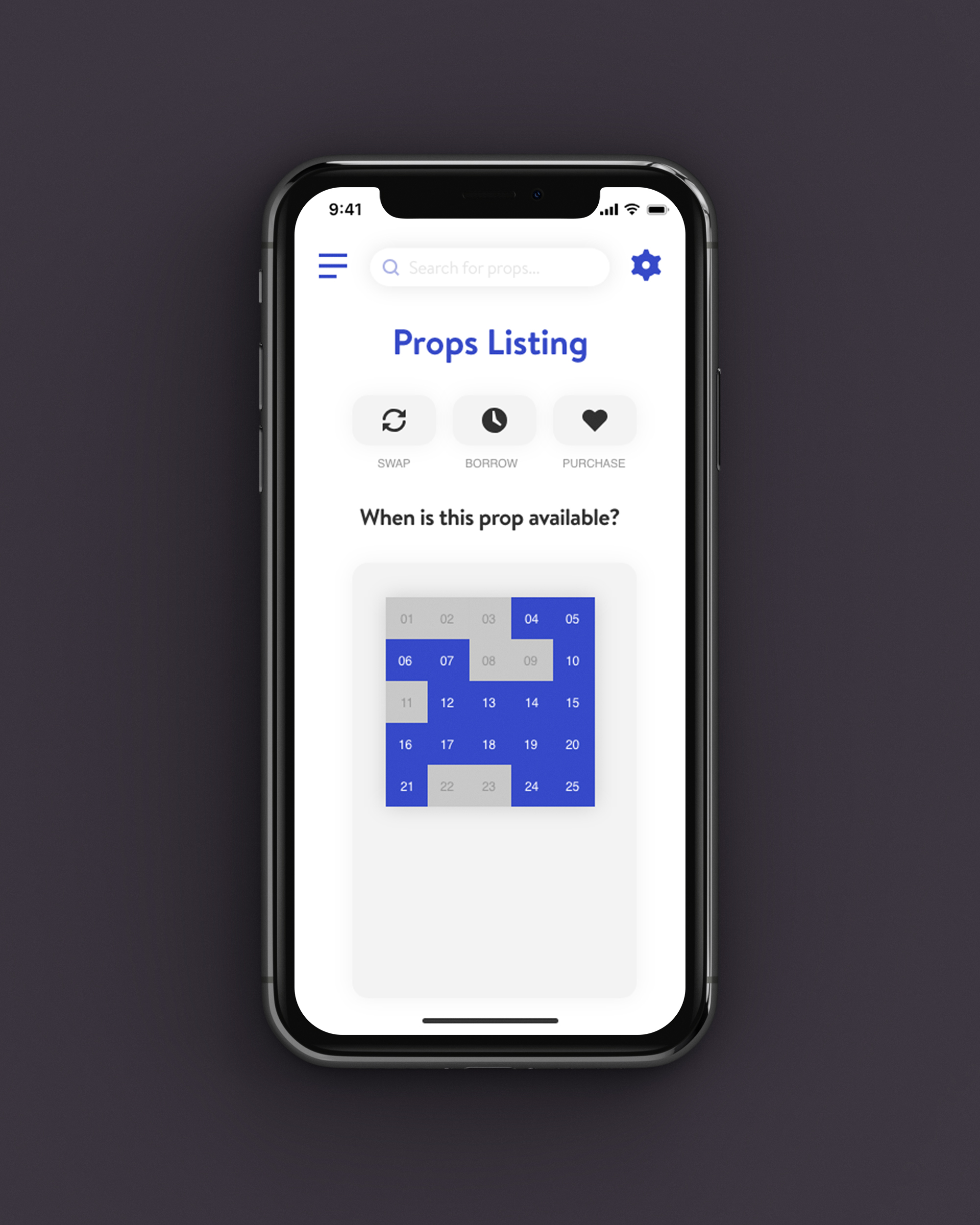
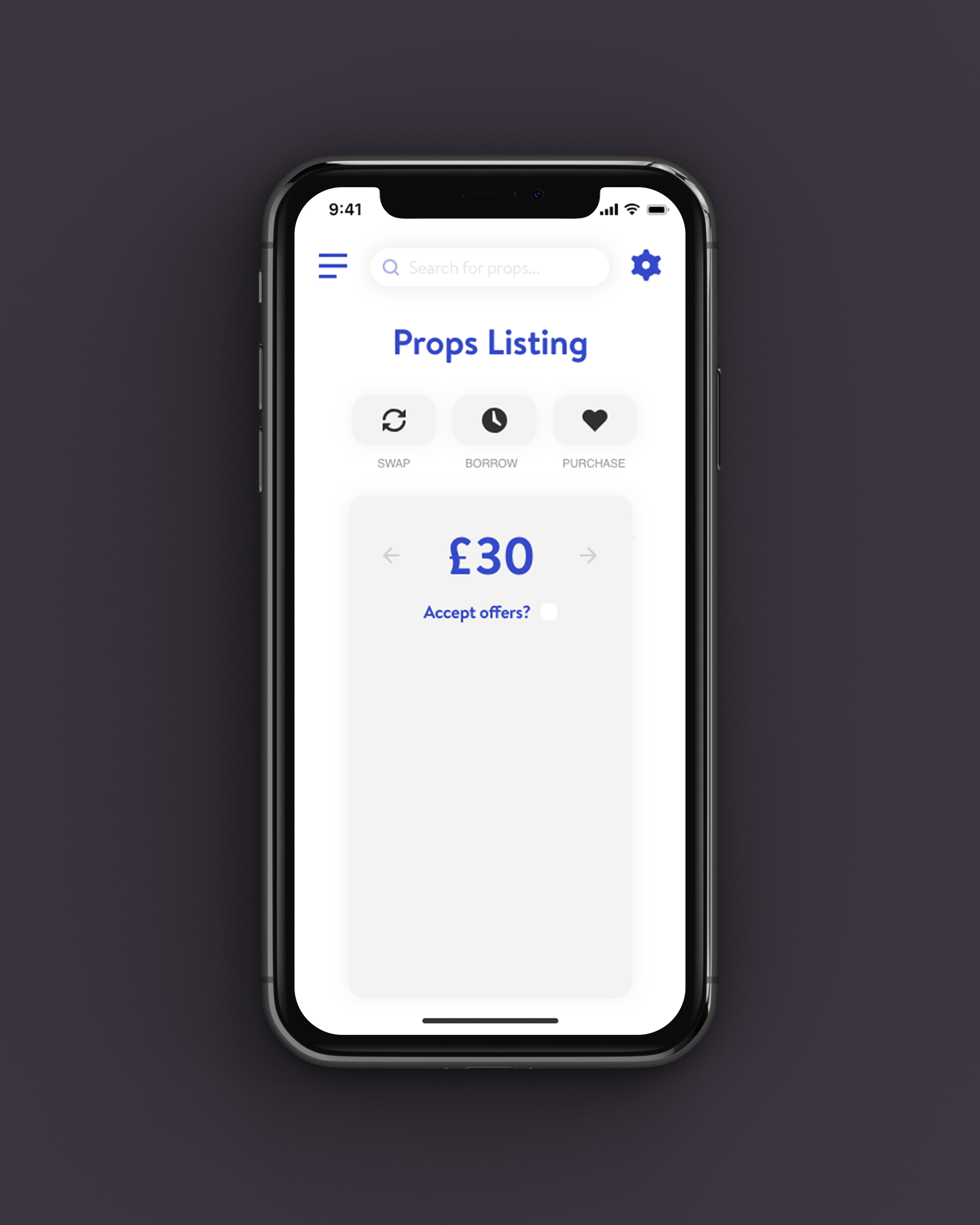
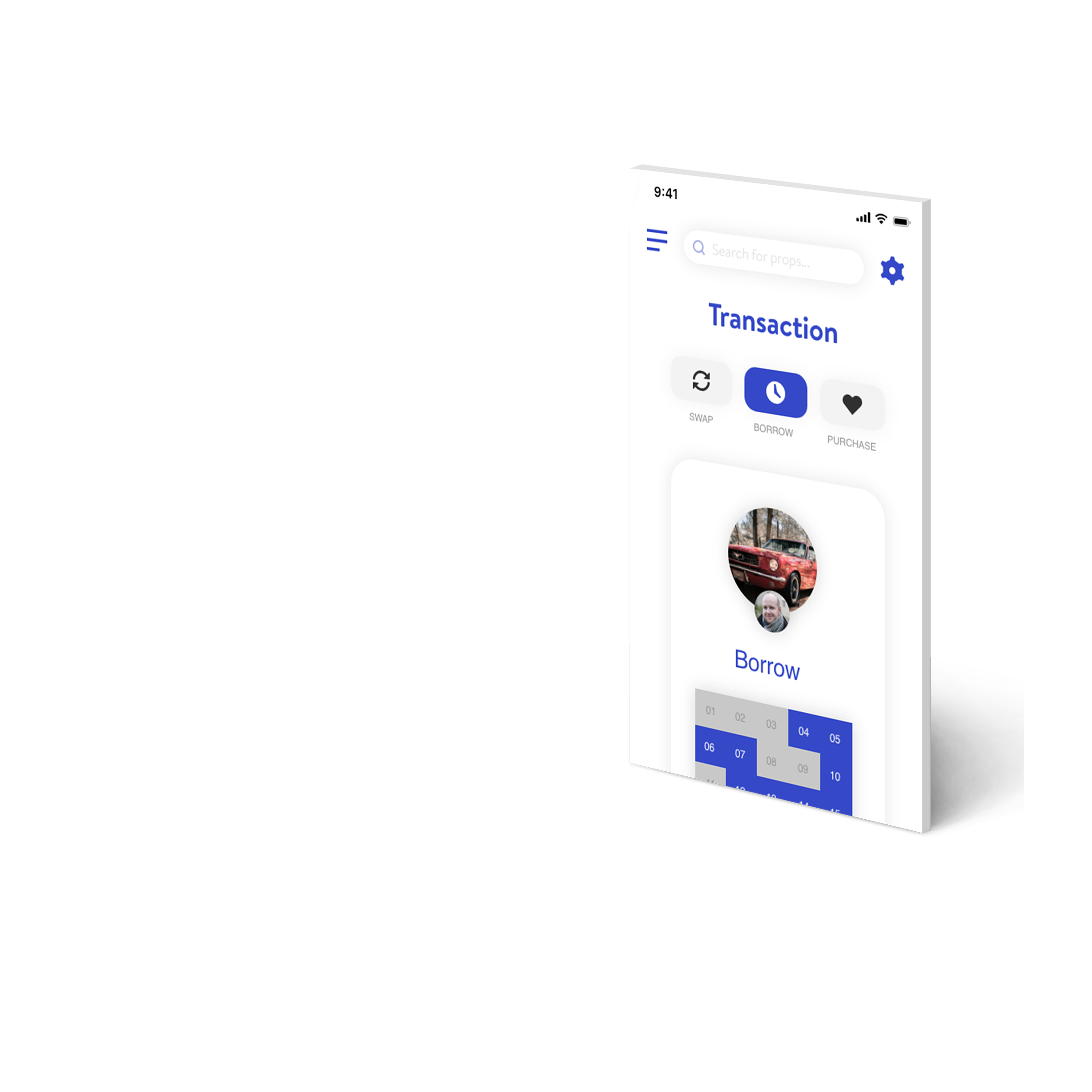
For this module I was set to design an app or website that would solve a real-world problem. I chose to make an app that would help producers share props, saving money and the environment. This was for independent film or theatre producers, and students in those subjects, as they would be more interested in saving money. The user would be able to search their local area for props other users have, with filters and sorting capabilities, with the end result being able to either swap, borrow or purchase a prop.
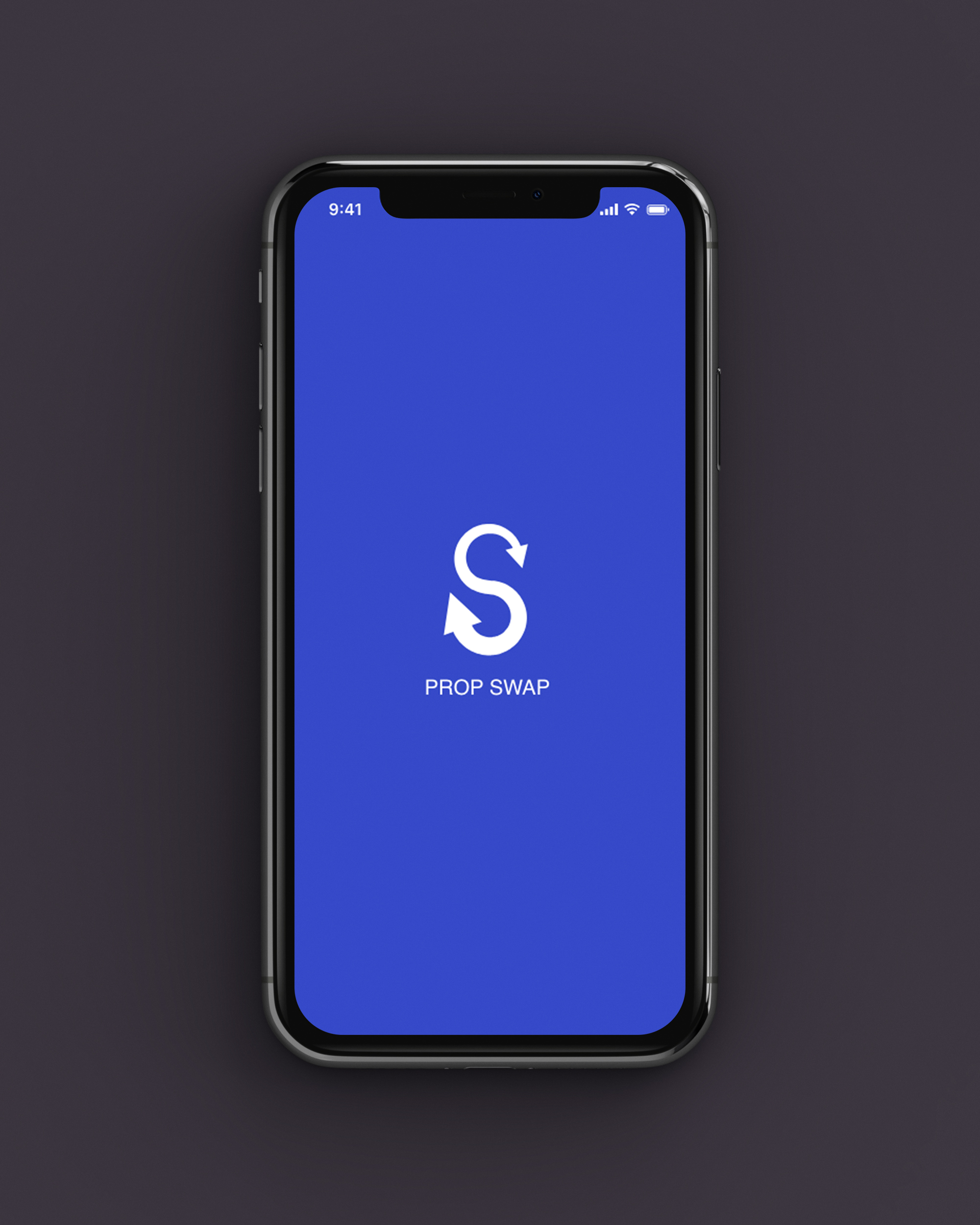
Prop Swap App

My aim was to provide a detailed concept of an app that would solve the problem of prop acquisition for producers. This app was to help save time and money for those individuals as well as helping the environment. I wanted to design an app that anyone could understand and use and include user feedback in my designs to ensure it is simple and easy to use.

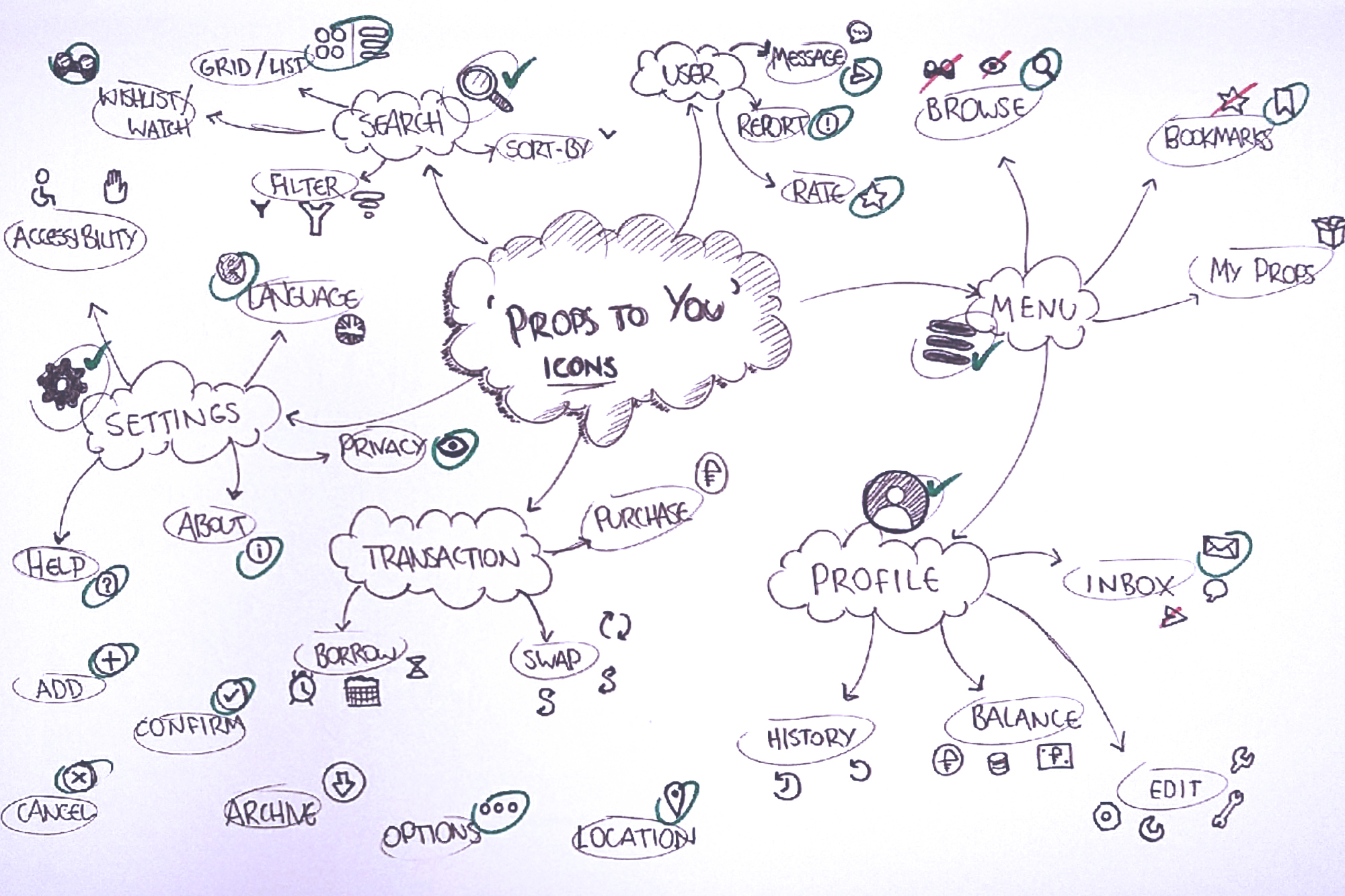
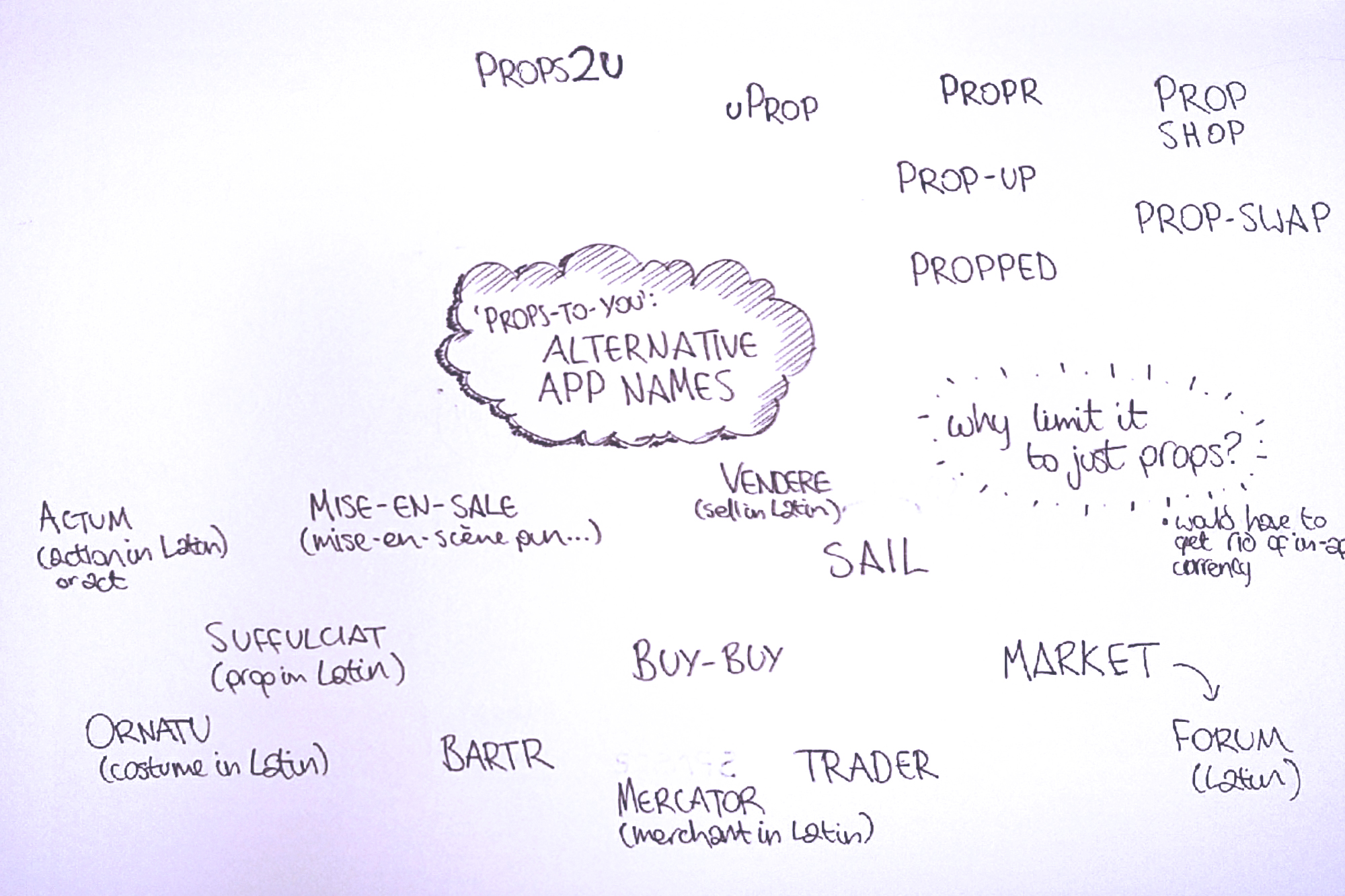
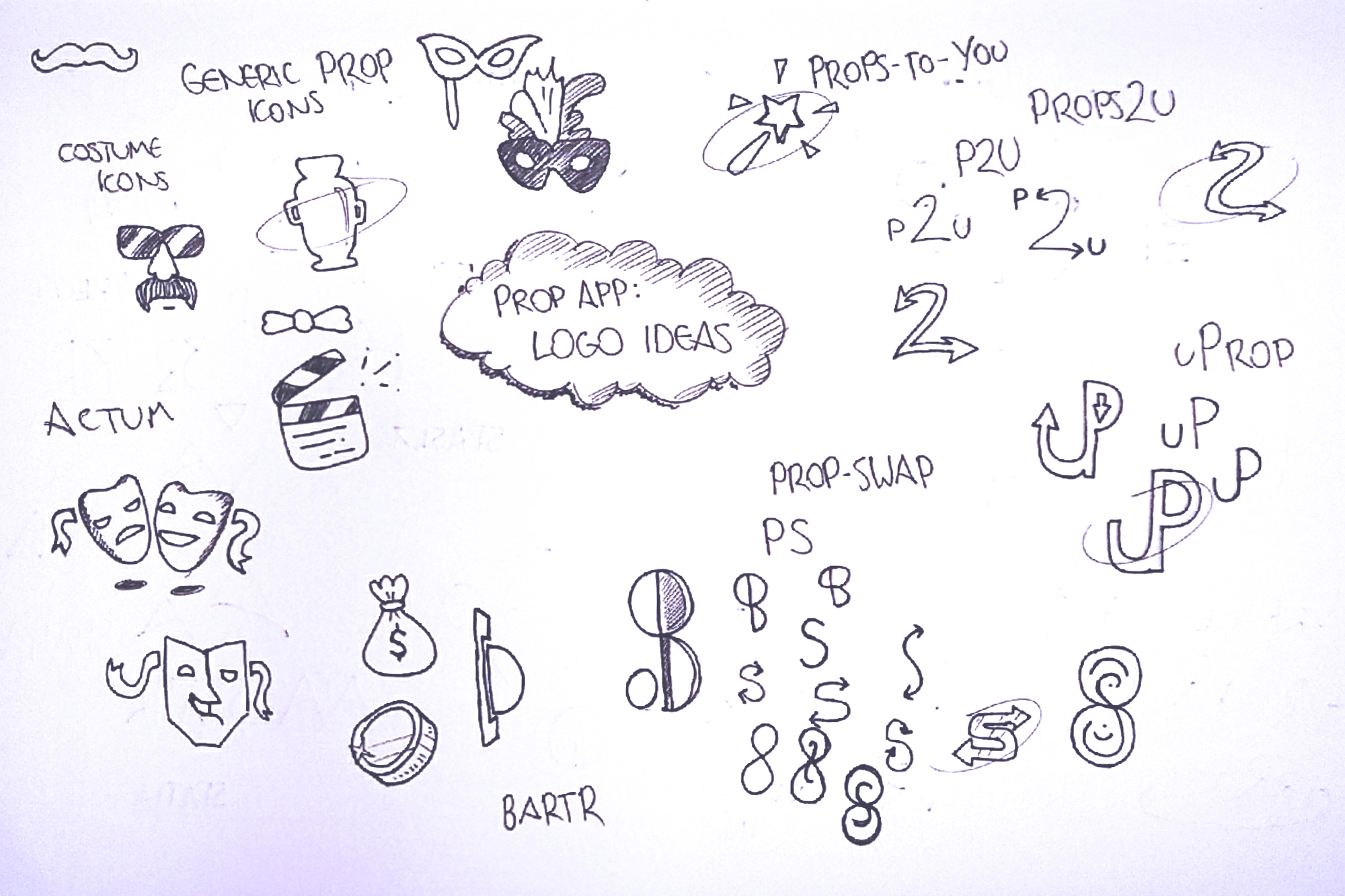
I initially came up with the name ‘Props To You’ which later became ‘Prop-Swap’: a prop sharing platform where you could trade in props for in store credit, which also later became user-to-user instead.

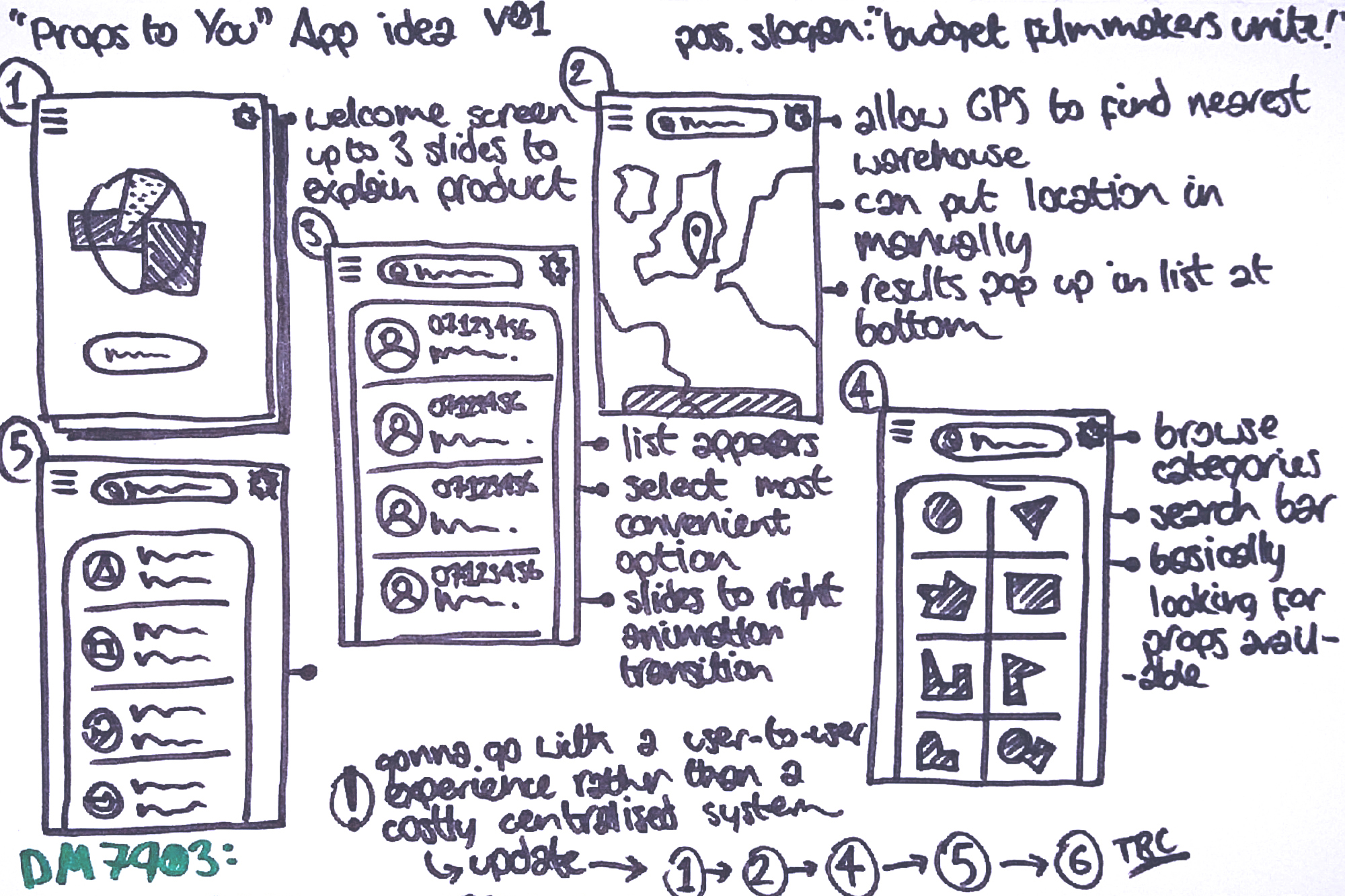
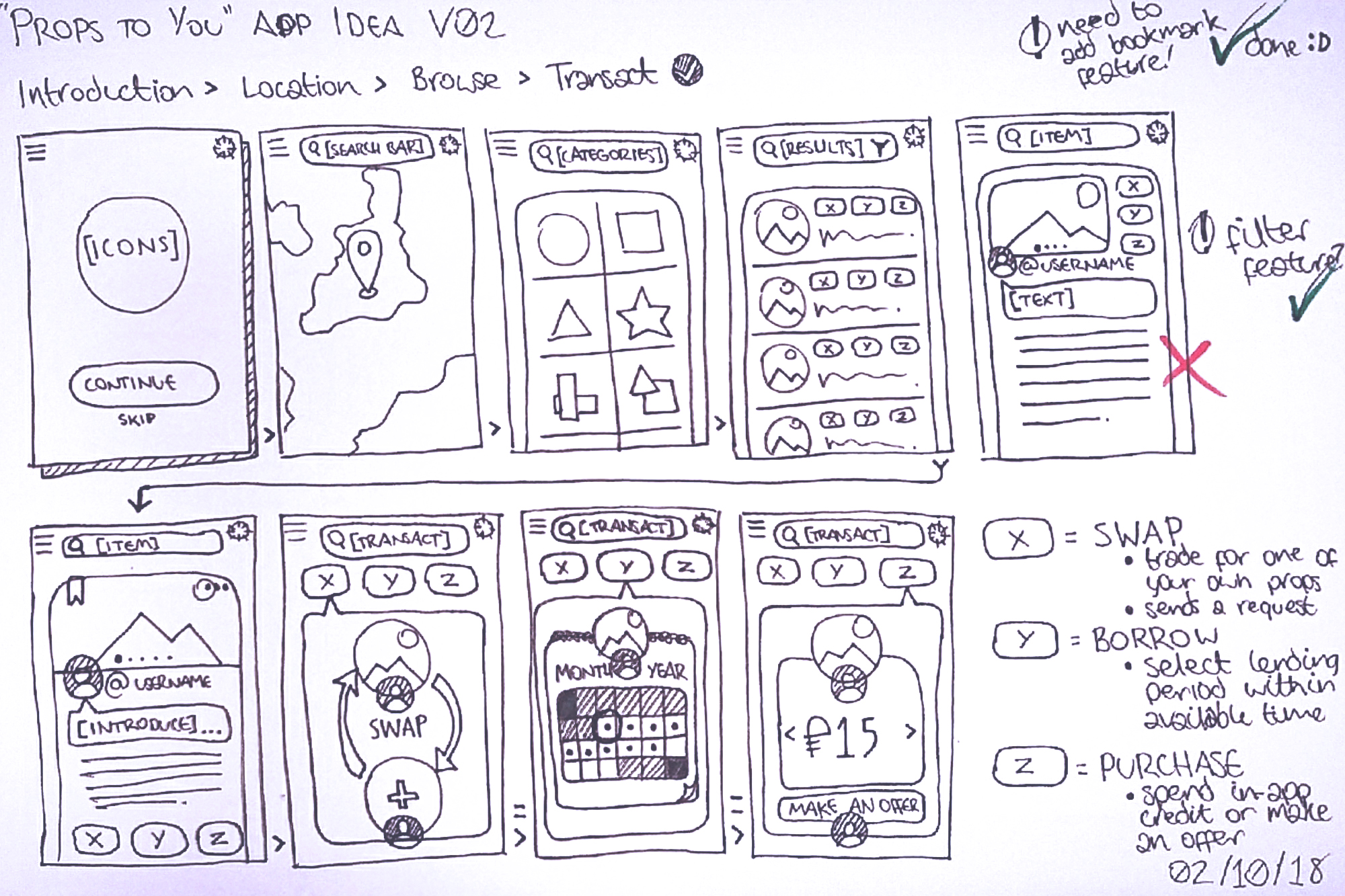
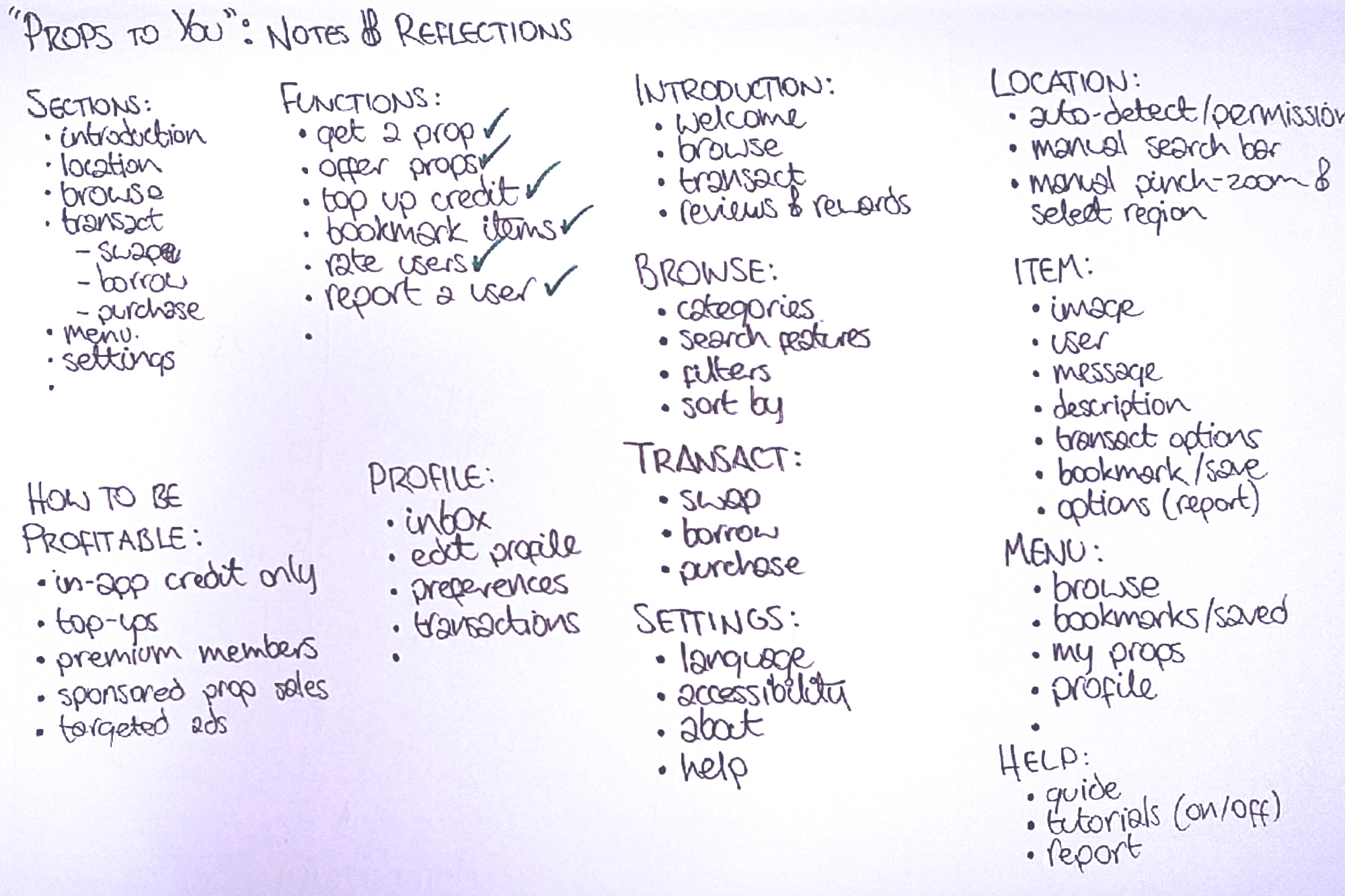
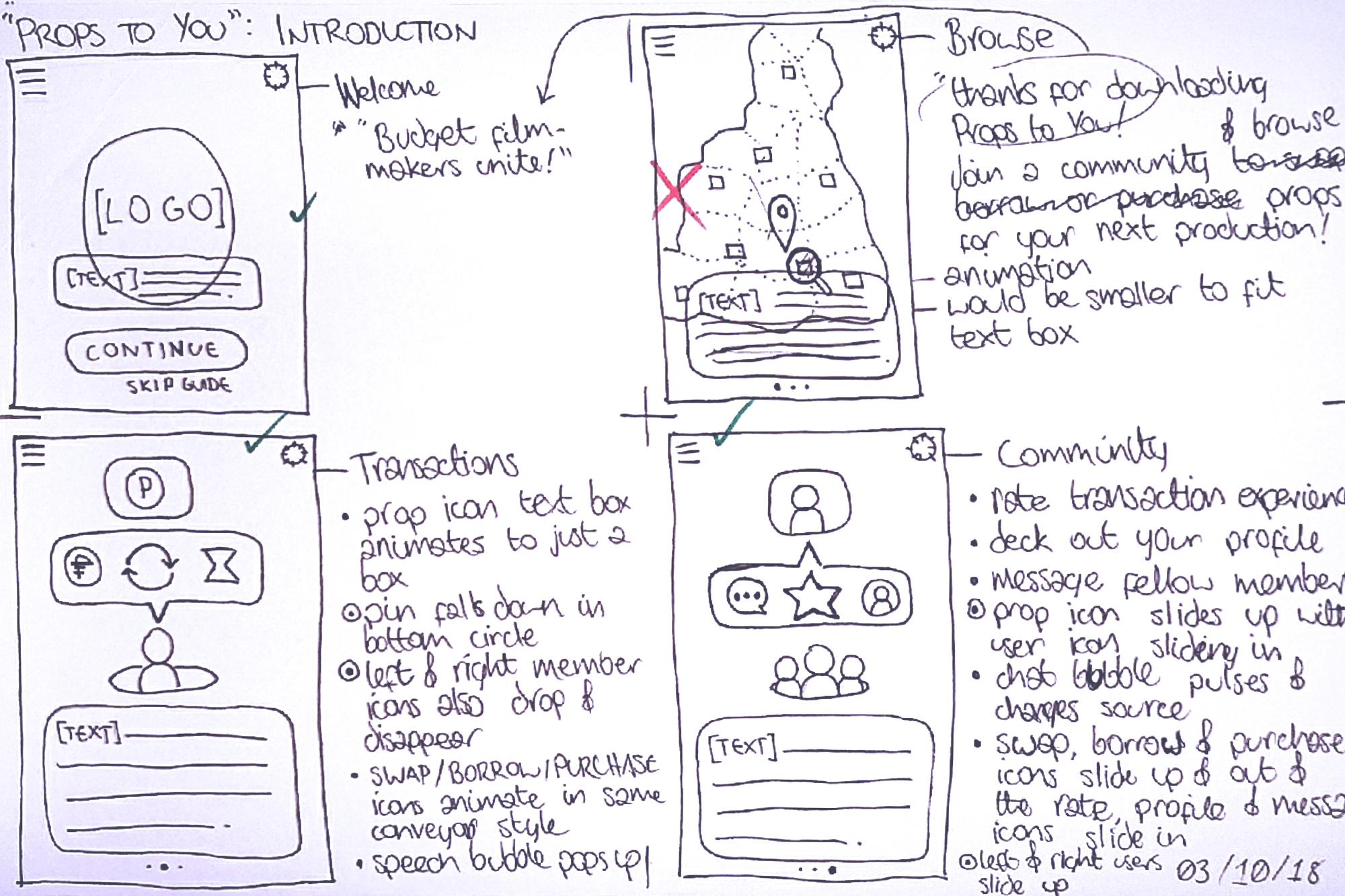
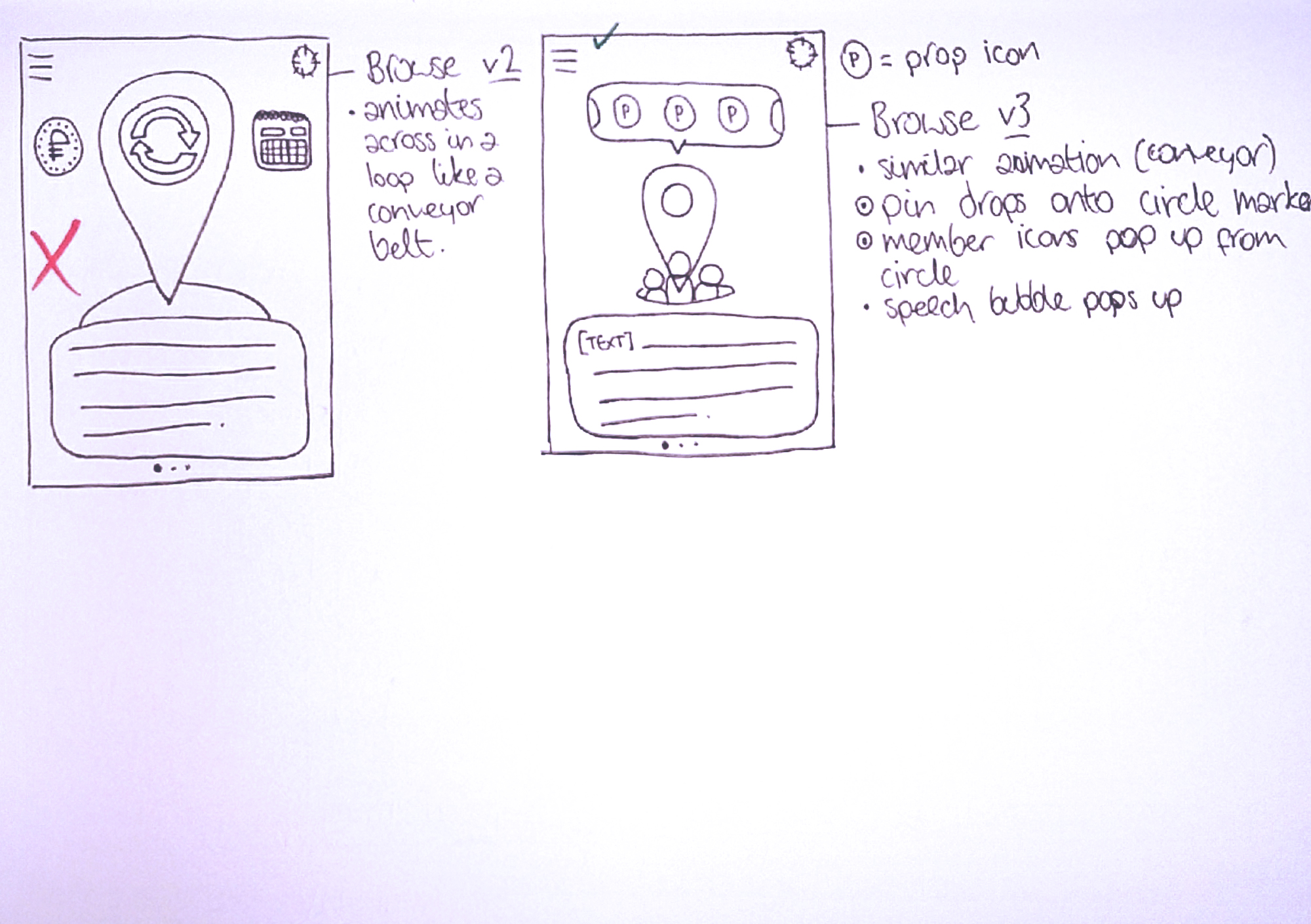
After developing my initial thoughts I began some low fidelity wire-flows to receive immediate peer feedback and to reveal what functions and features I needed to include, such as bookmarks and filters.

After feedback, I changed my idea from a user-to-business to a user-to-user process. I also realised the need for certain features, like bookmarking a prop to come back to another time, and filter options for more relevant search results.

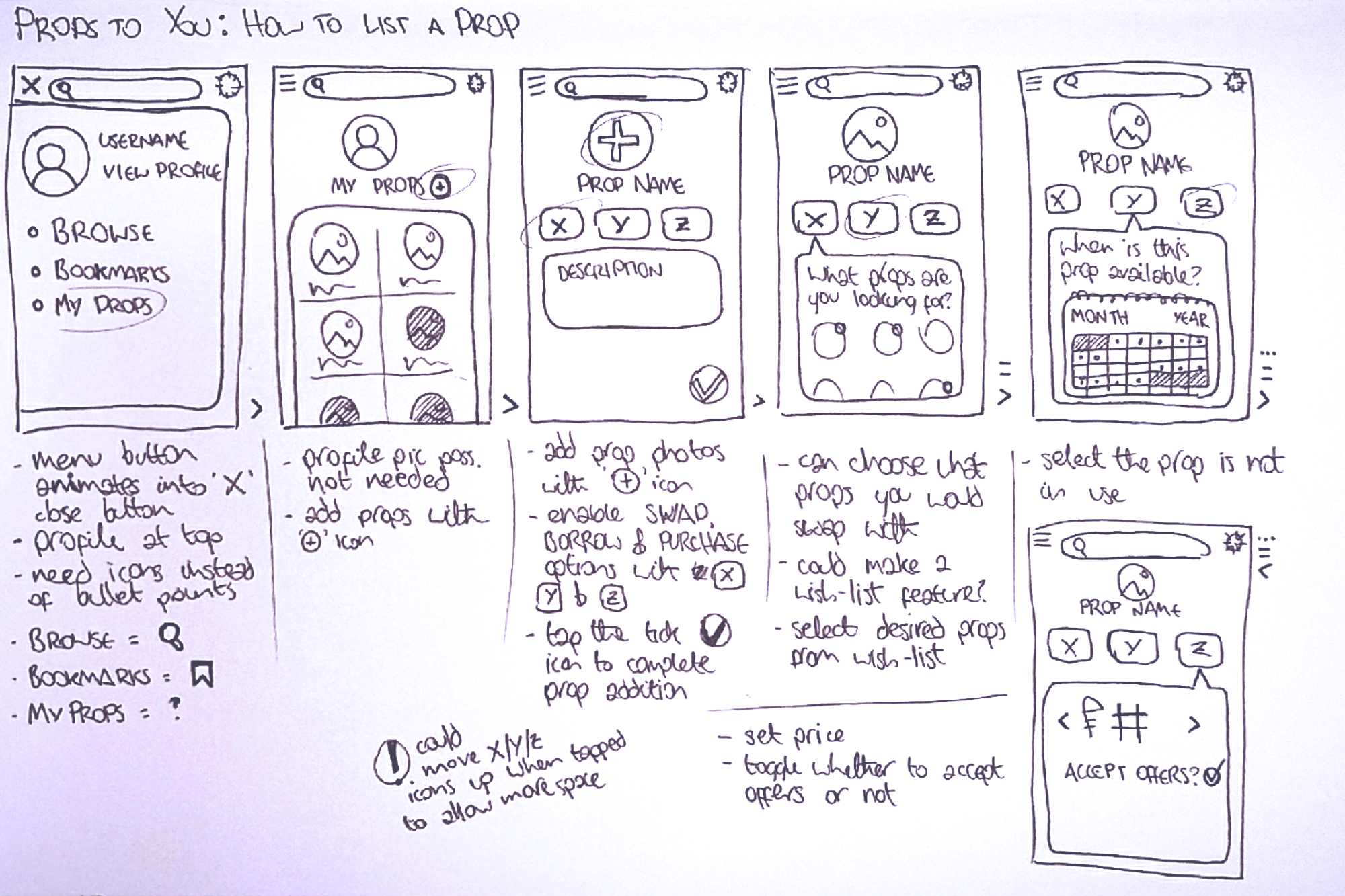
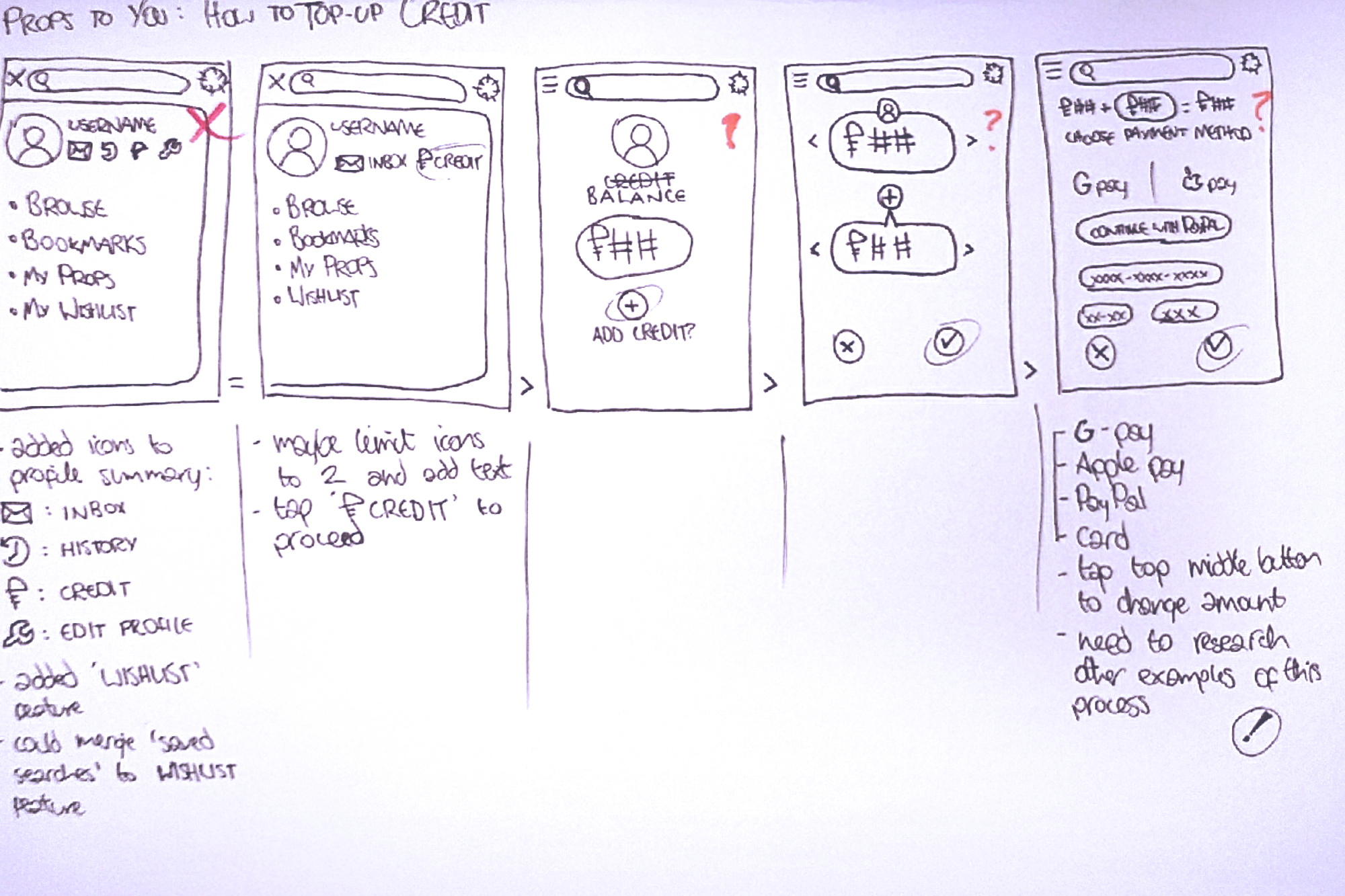
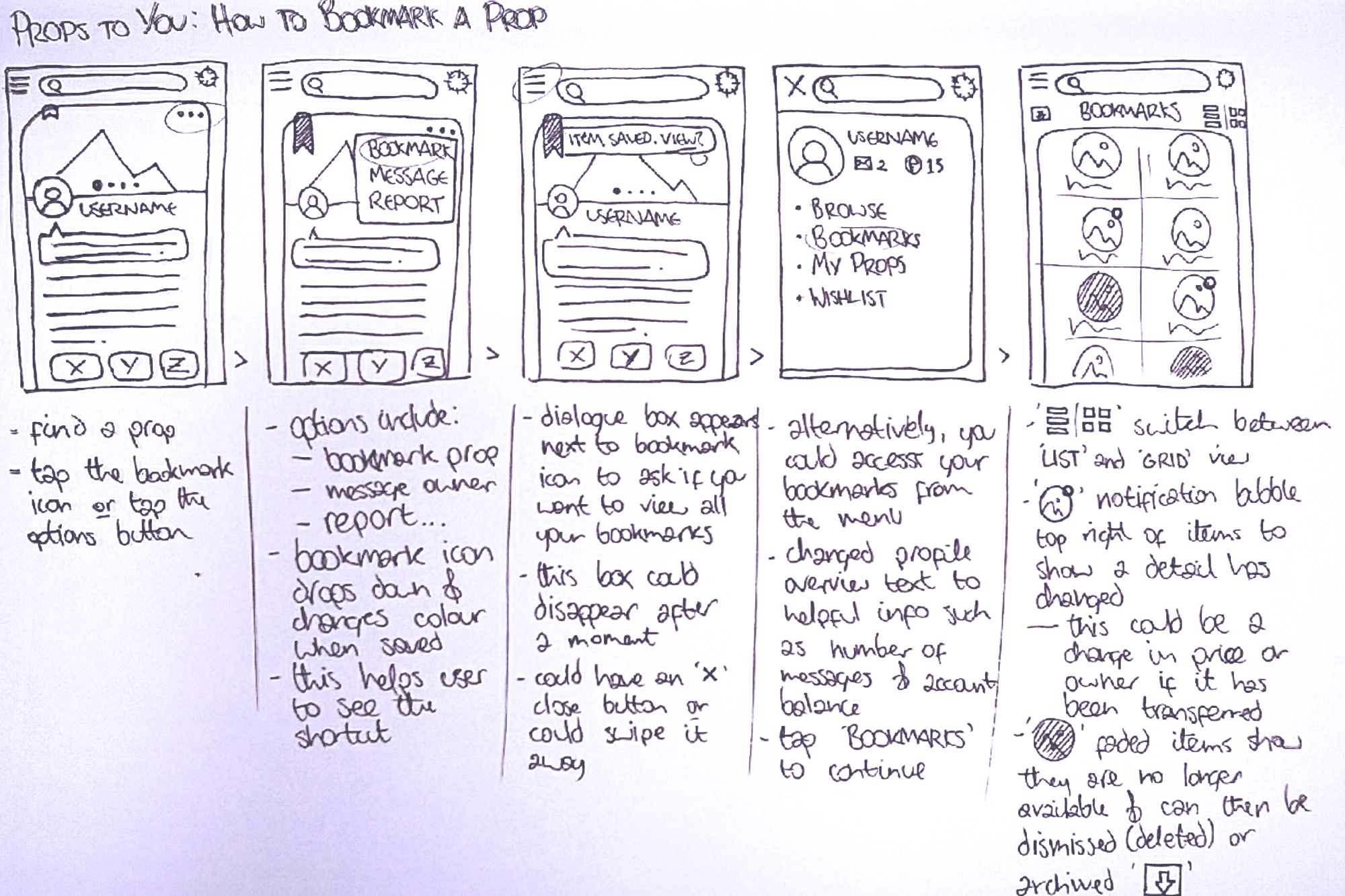
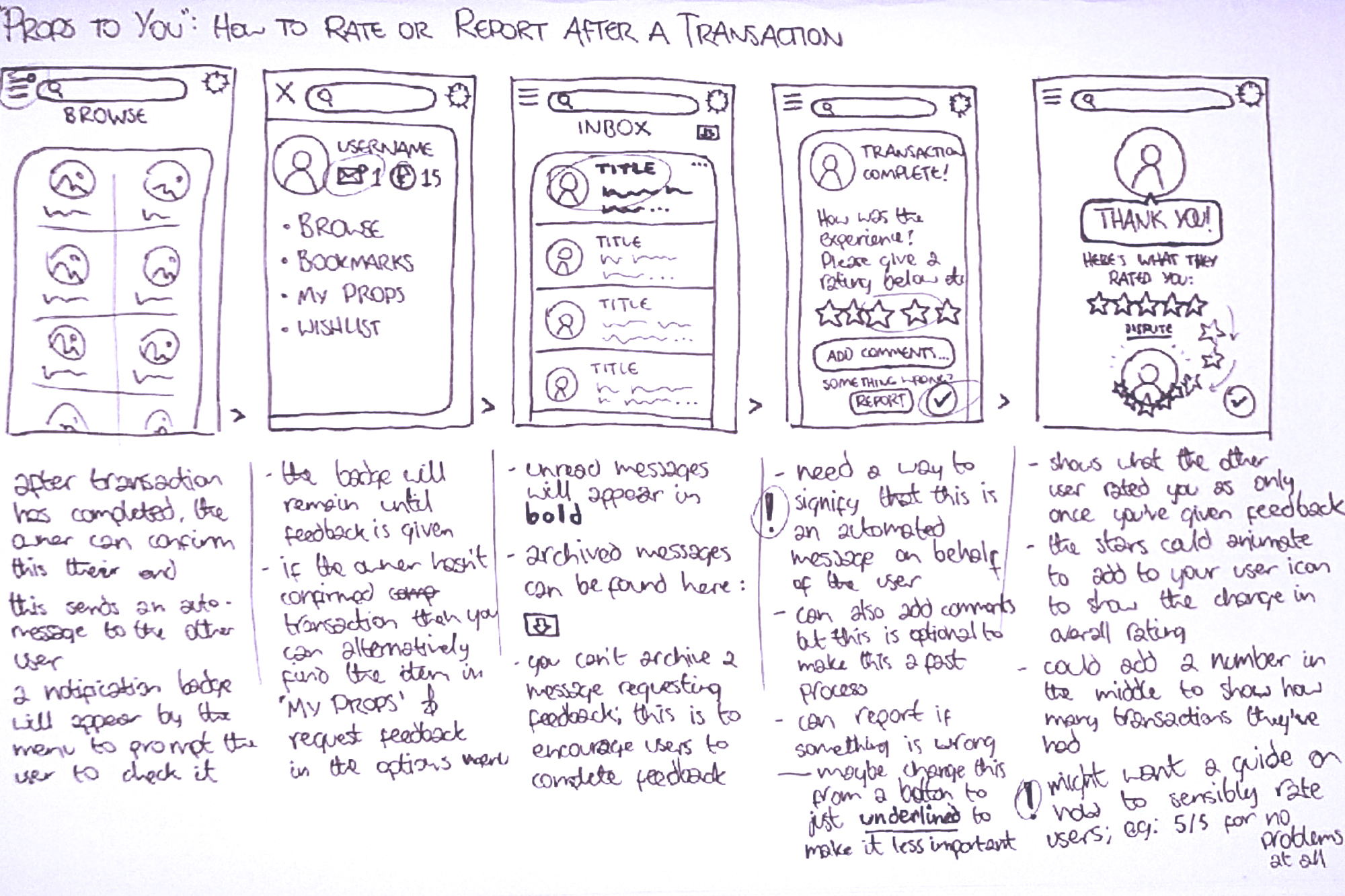
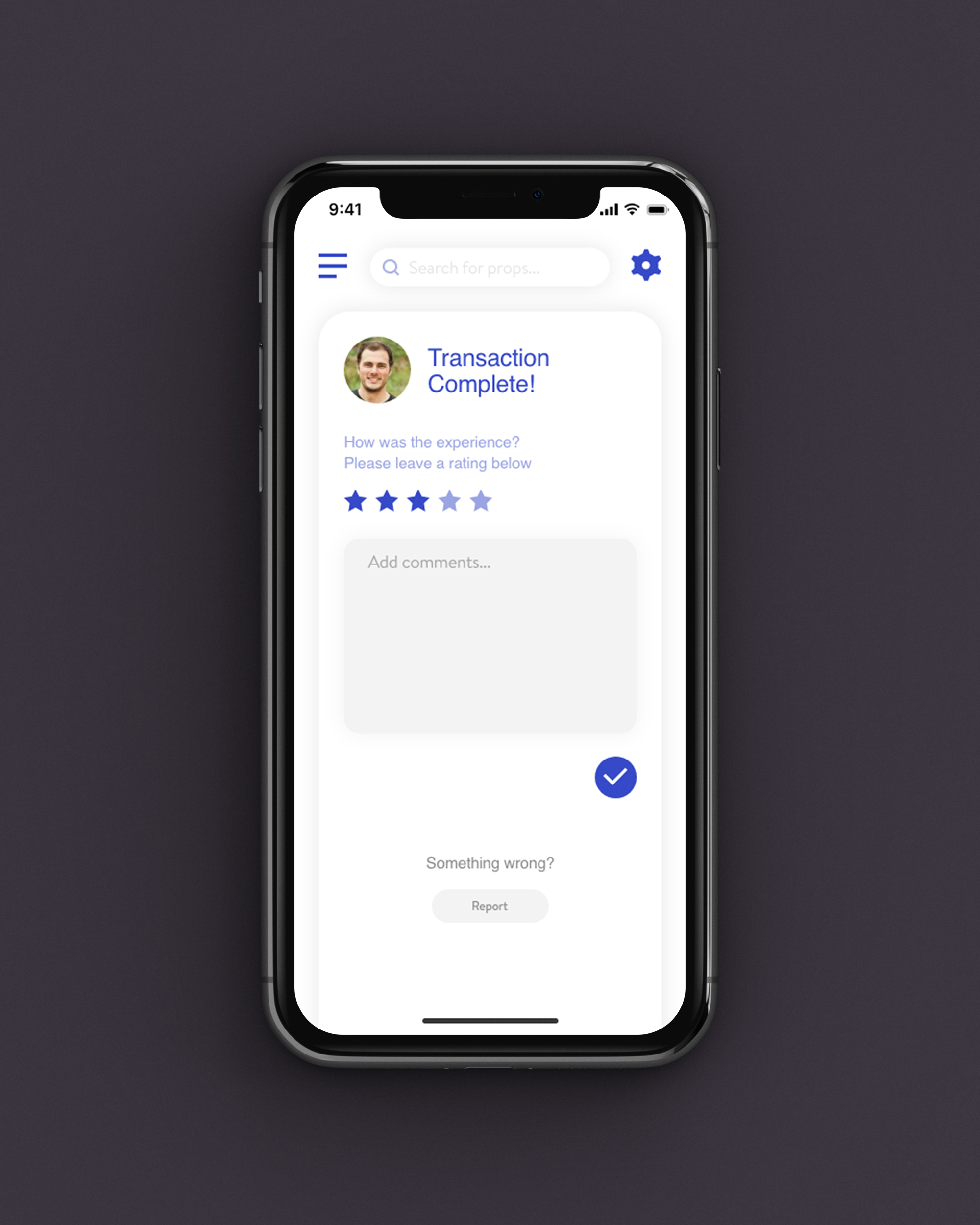
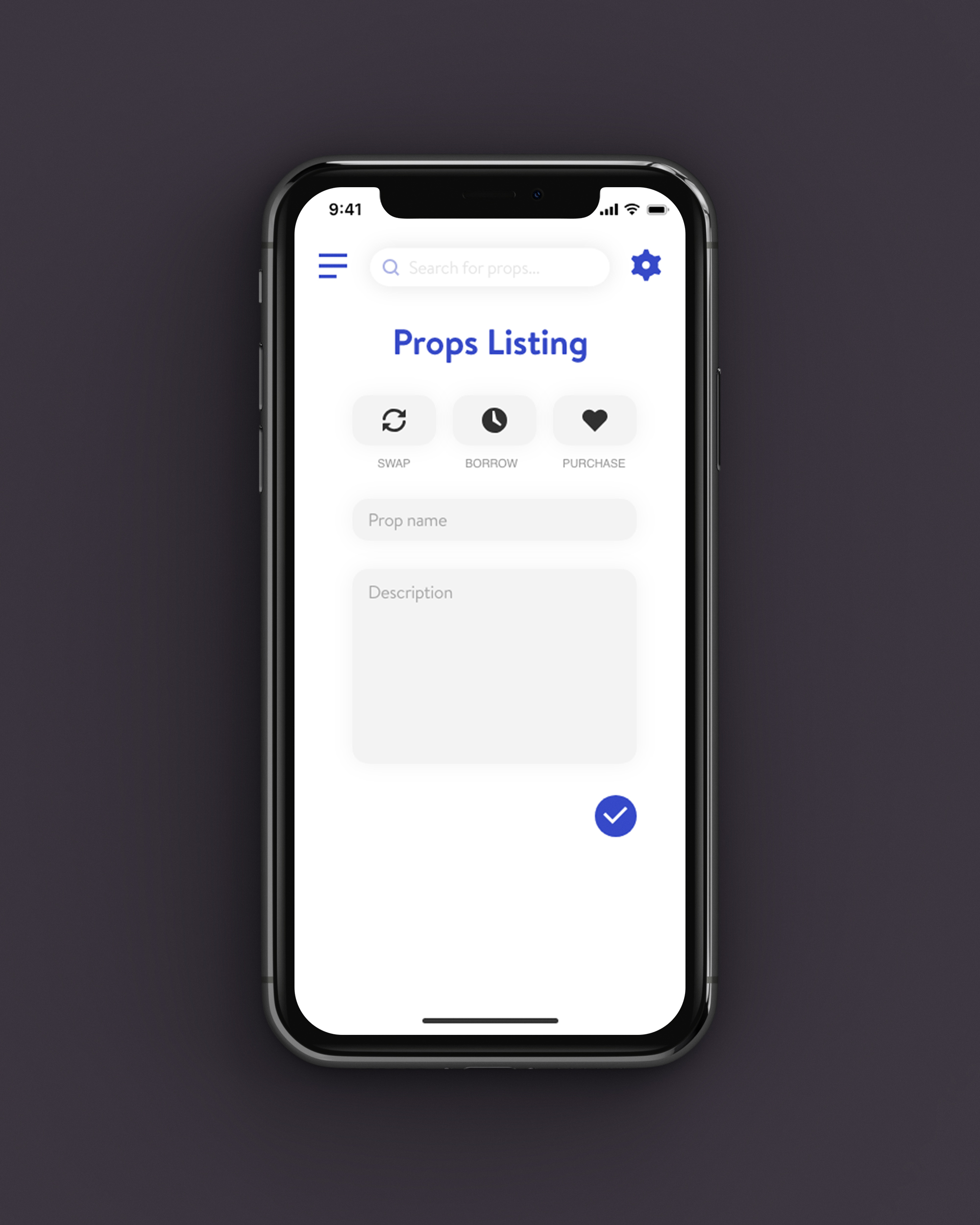
I drew out some more wireflows for functions like listing a prop, bookmarking a prop, topping up credit, and rating or reporting another user. This helped me work out where to place UI elements to make the best use of space.

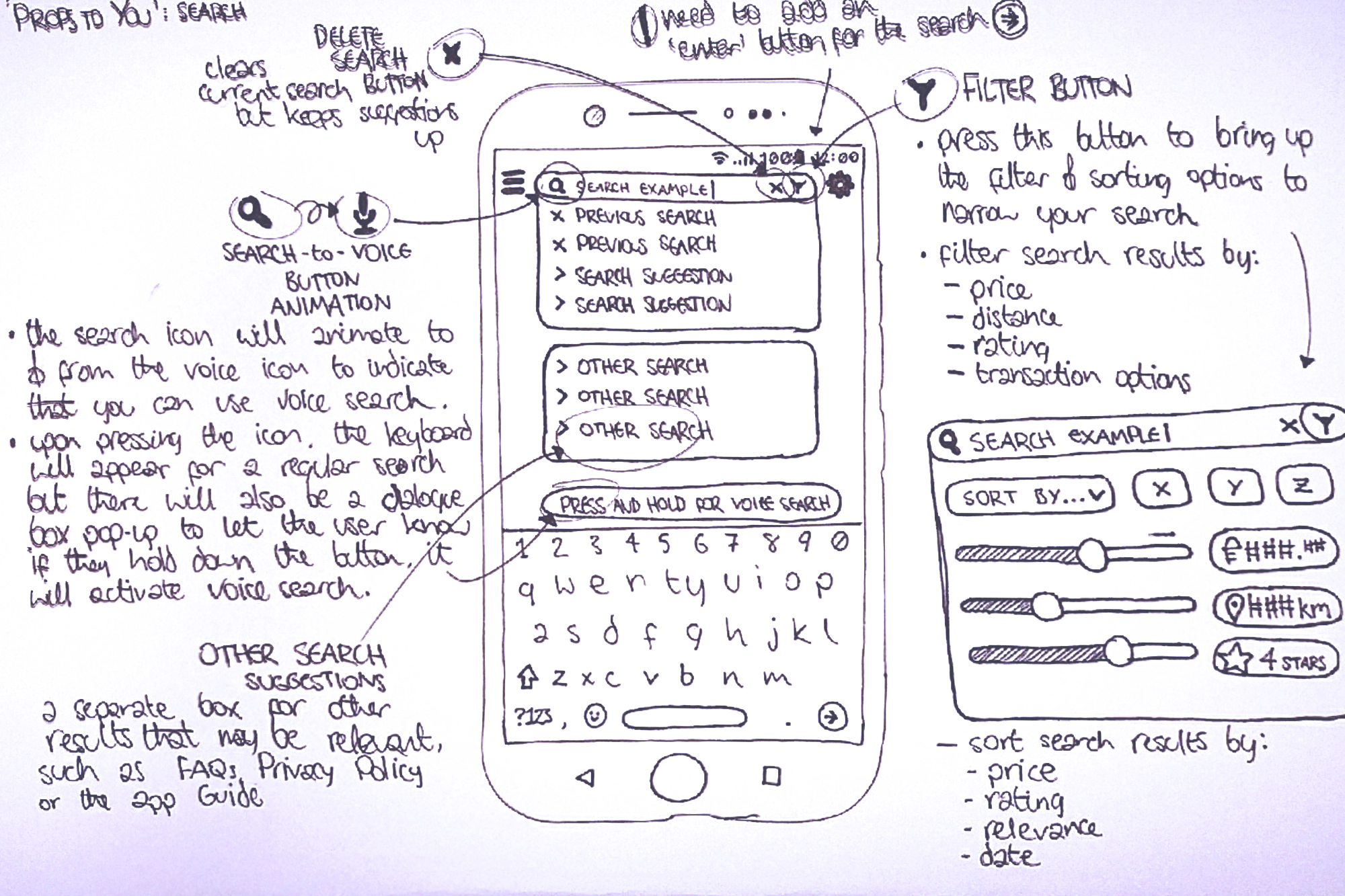
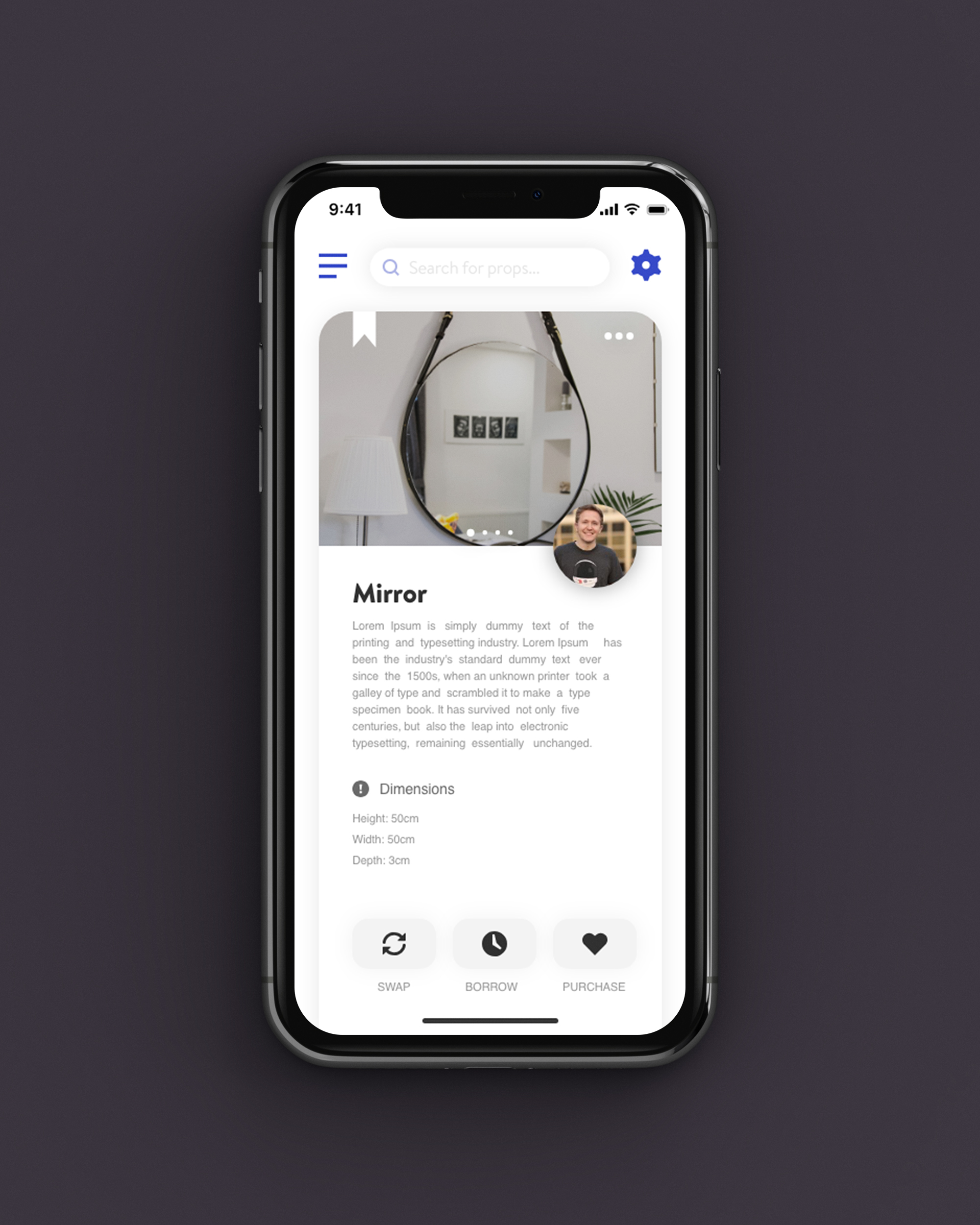
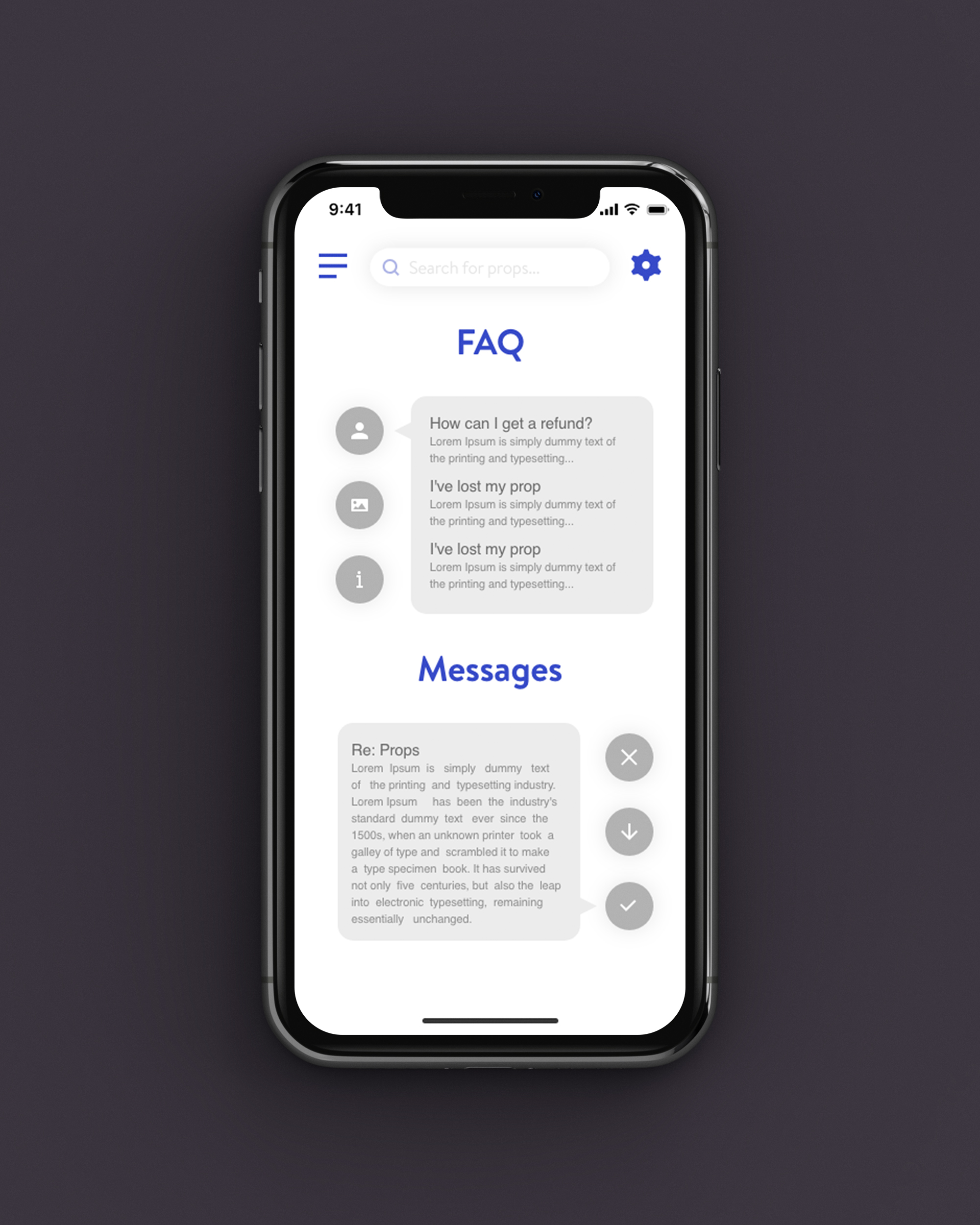
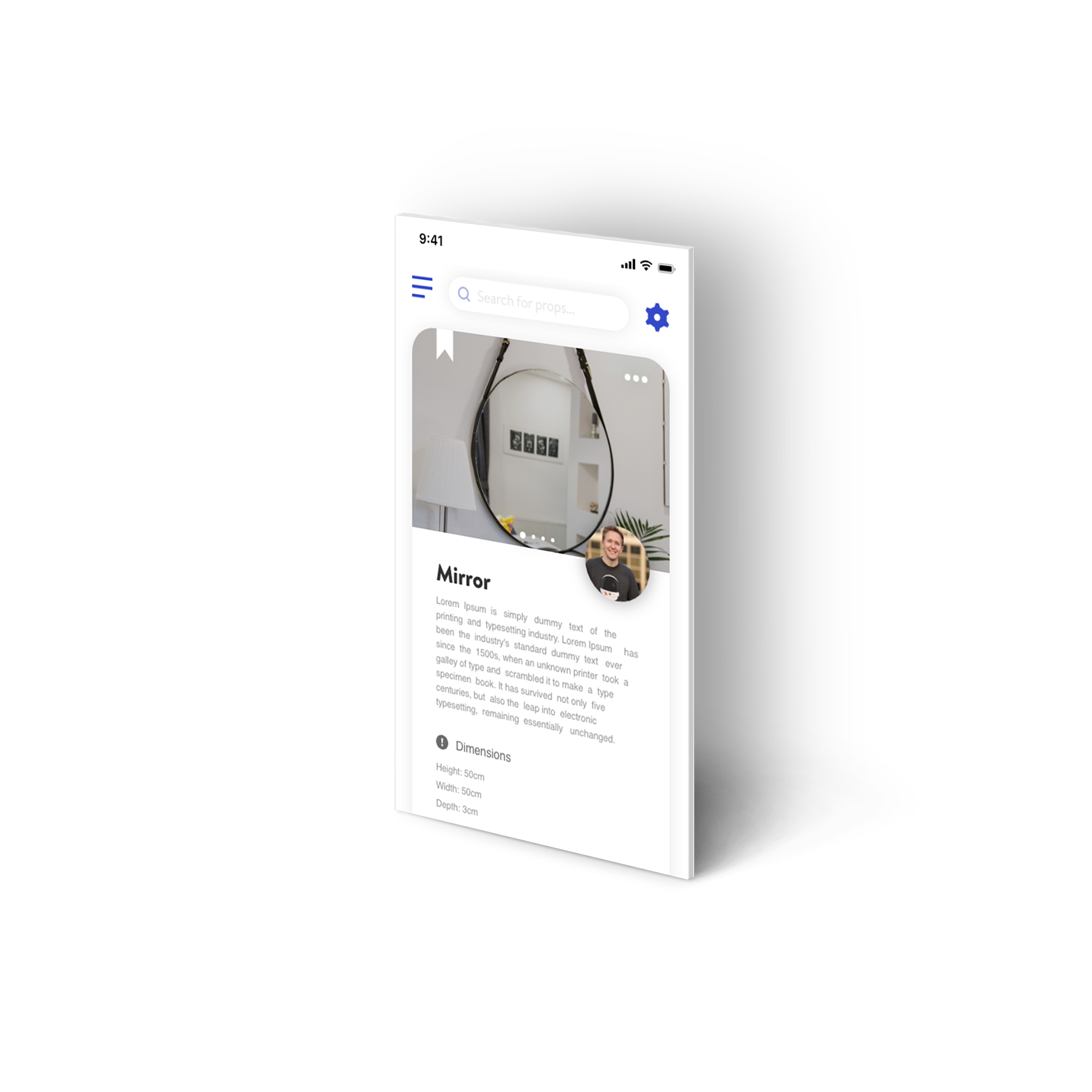
From looking at other search bars, I noticed they often included a designated search button and thought I could use the search icon to double up as a mic icon, animating between the two to indicate the voice search capability. Tapping the filter button will bring down relevant options and when the user starts typing a query into the search bar, it will show recent searches below, as well as suggestions. I wanted to make sure the search bar wasn’t limited to just searching for props in the app so I made the box below for other helpful links, guides and FAQ resources.

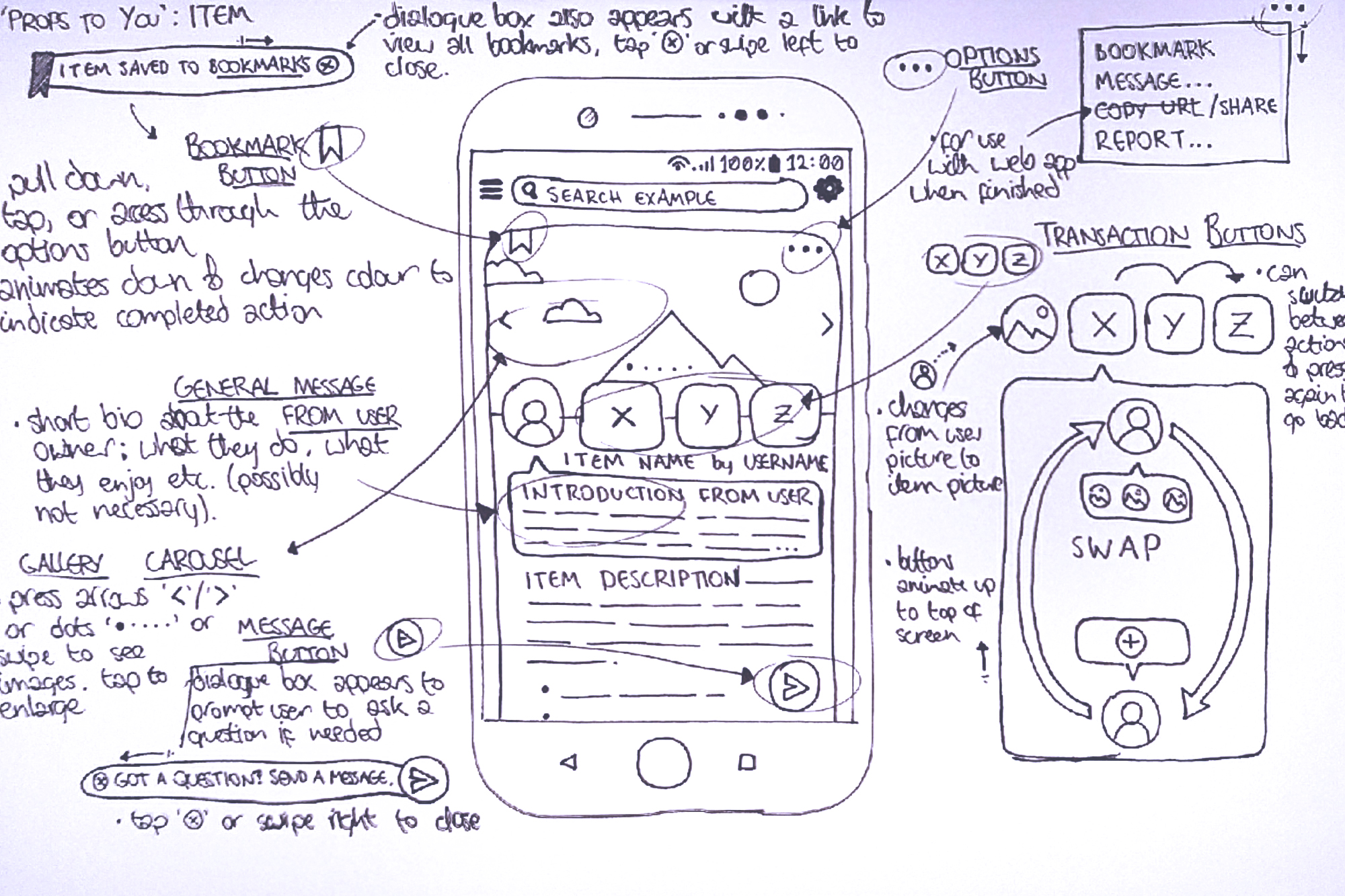
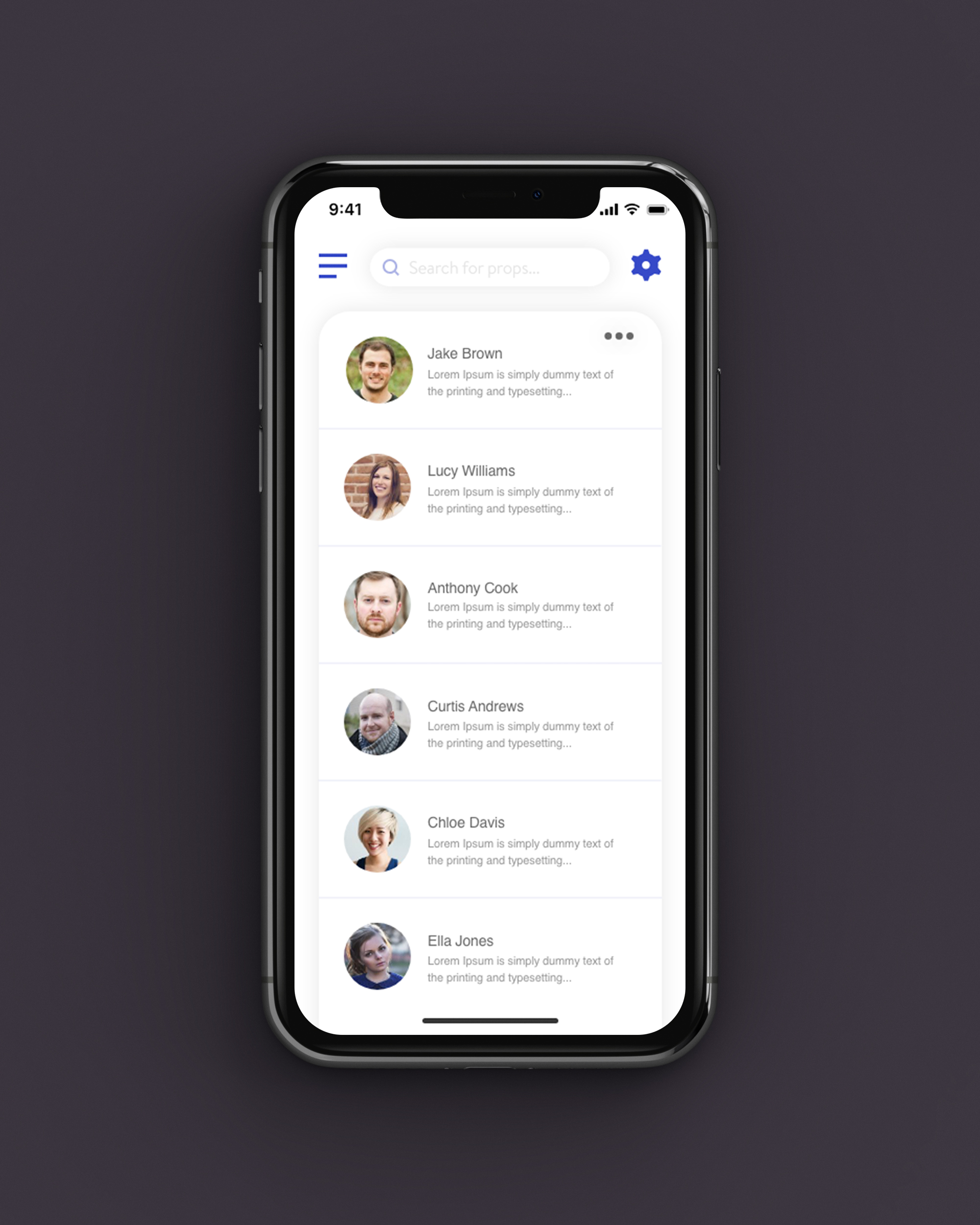
I added features message and share features to the ellipses button in the upper right. The message button in the bottom right will display a dialogue box sliding out behind the icon, indicating the function. The bookmark icon in the top left will also display a dialogue box when used, with a link to their bookmarked props.

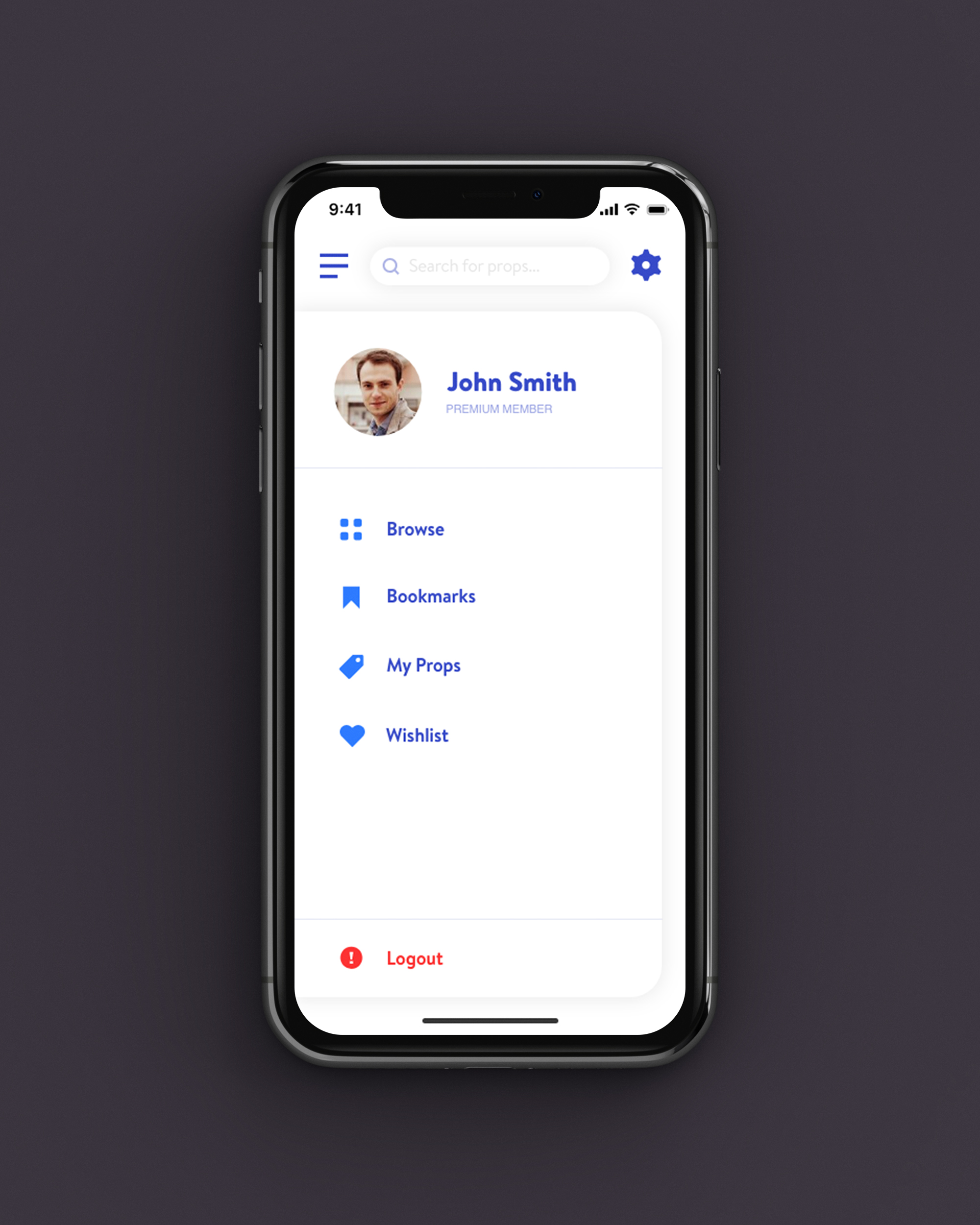
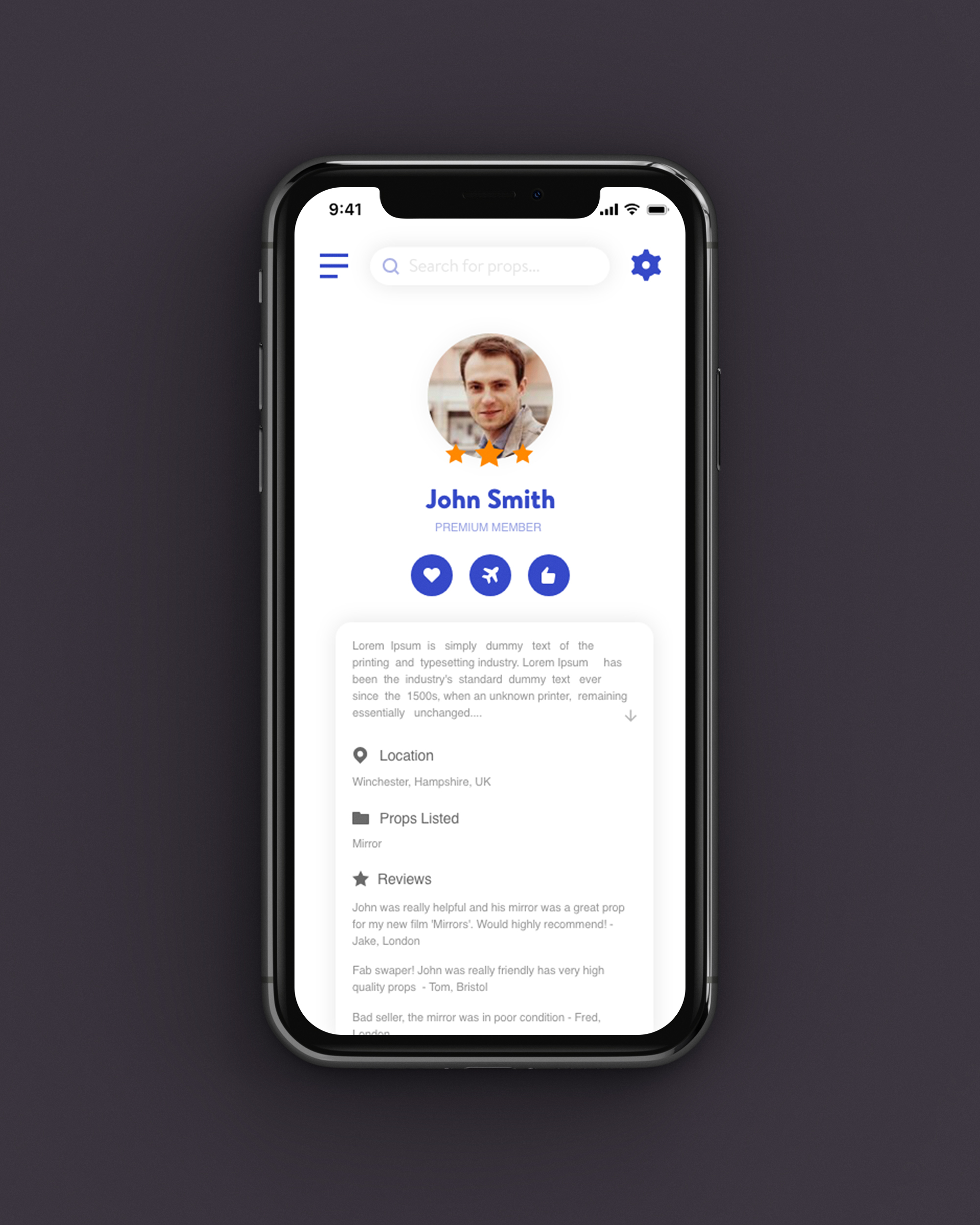
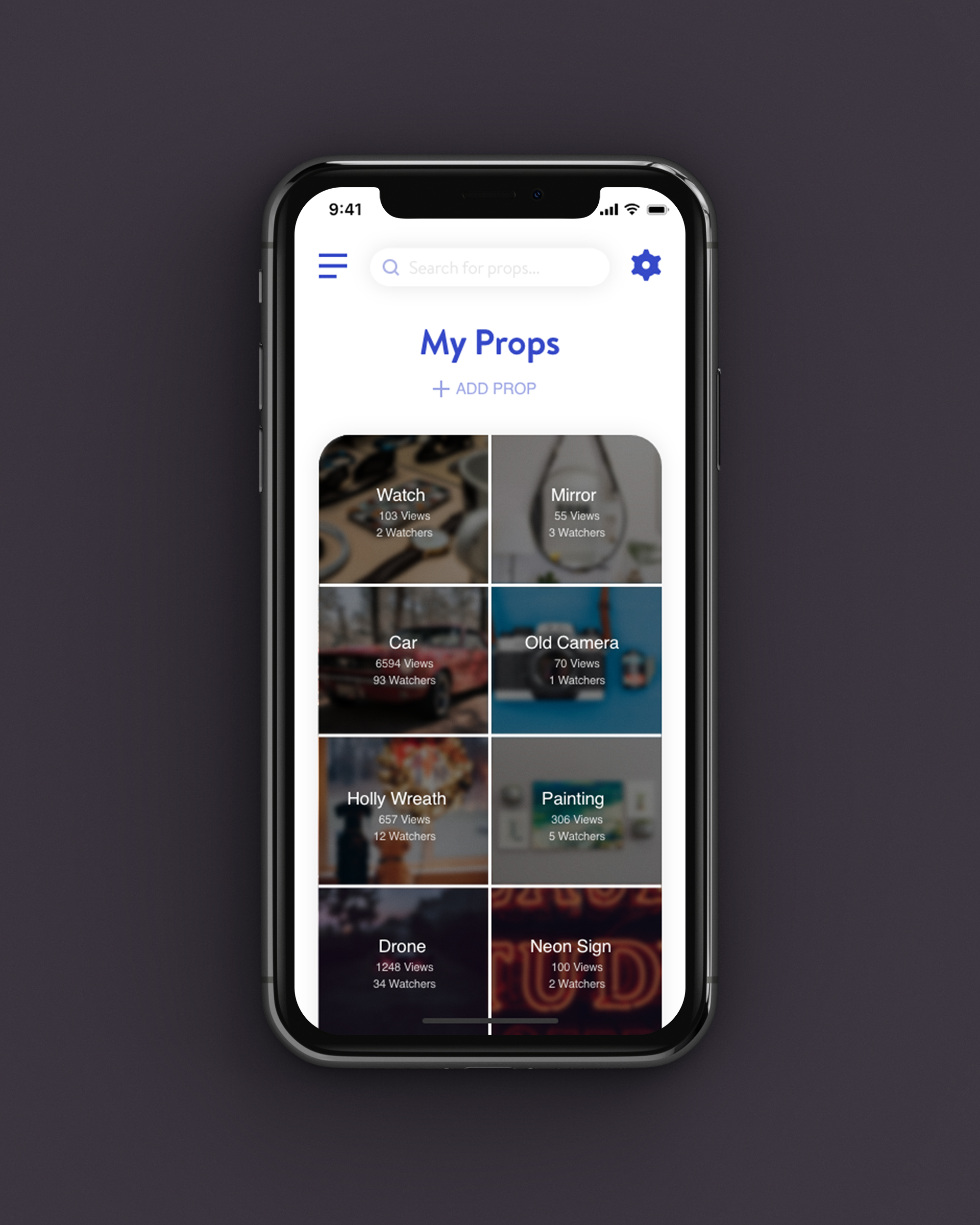
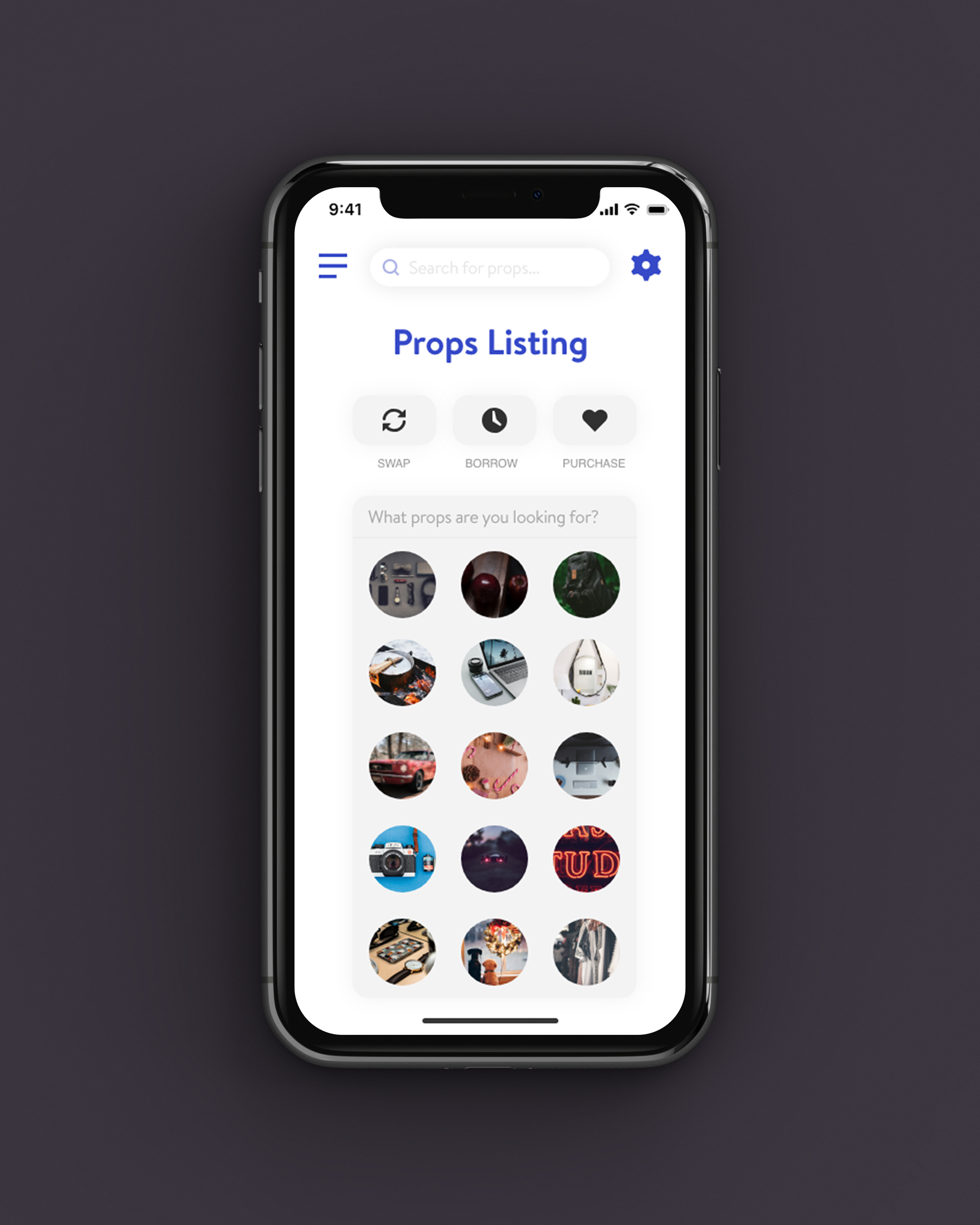
View the high fidelity wireframes in the carousel below!
Thanks for viewing! ♥